

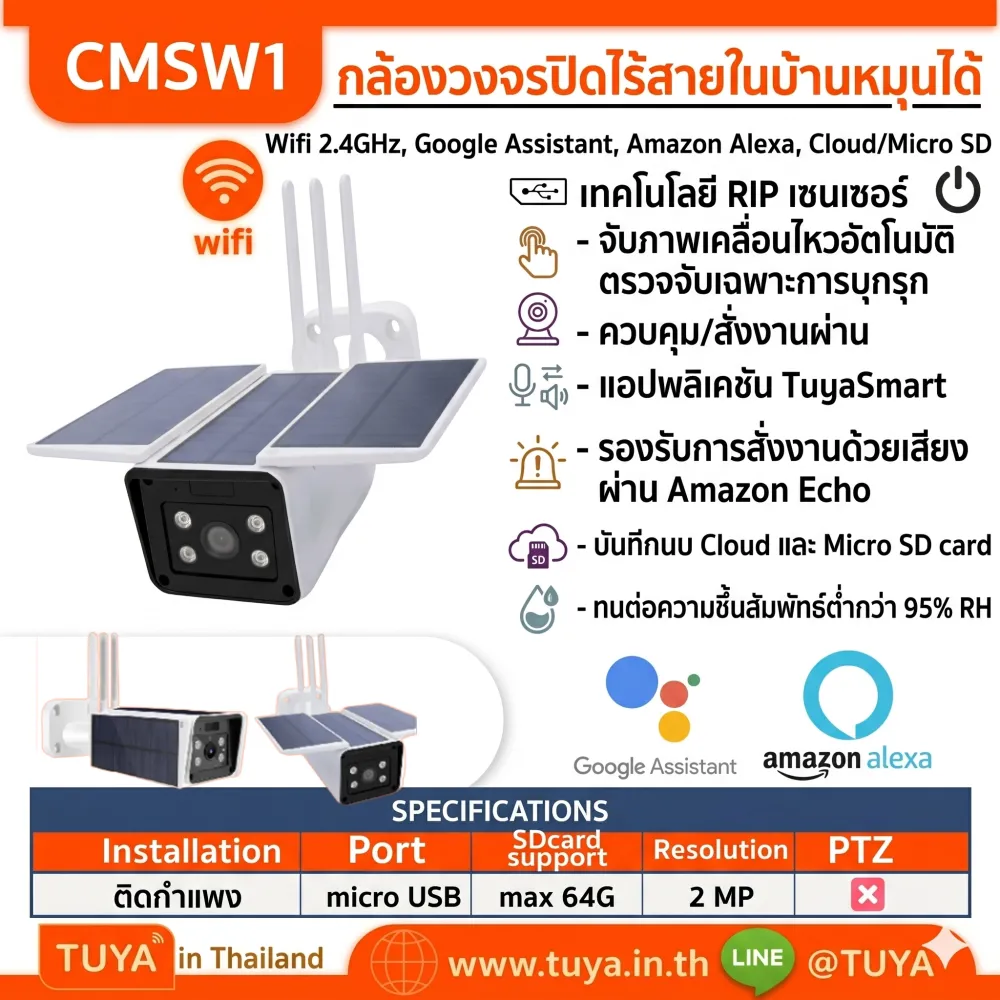
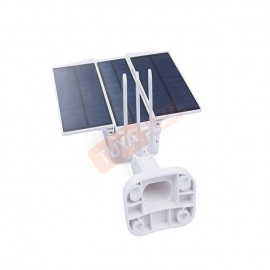
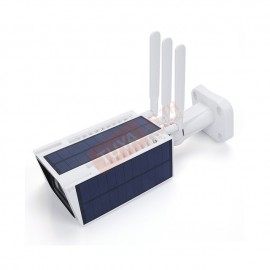
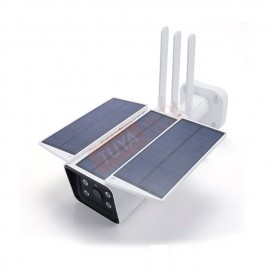
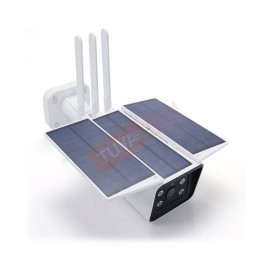
CMSW1 กล้องวงจรปิดภายนอกแบบโซล่าร์เซลล์ WIFI 2 MP 6w เซ็นเซอร์ 1080p
0 รีวิว
ขายแล้ว 0 ชิ้น เหลือเพียง 0 ชิ้น
5,499 บาท
4,619 บาท
-16%
รหัสสินค้า: CMSW1
สต๊อก 0
รายละเอียดสินค้า
CMSW1 กล้องวงจรปิดภายนอกแบบโซล่าร์เซลล์ WIFI 2 MP 6W เซ็นเซอร์ 1080P
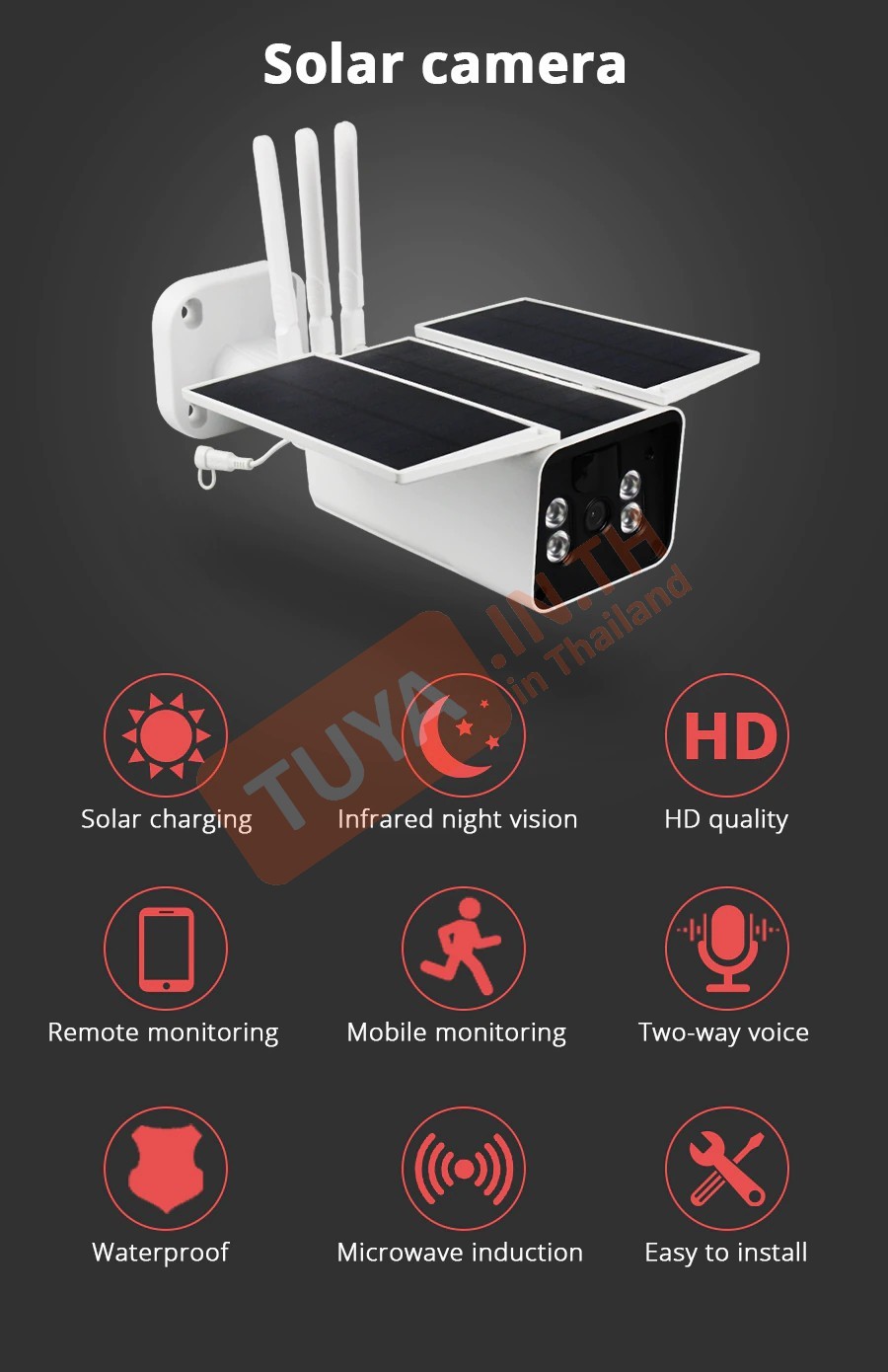
คุณสมบัติเด่น (Product Features)
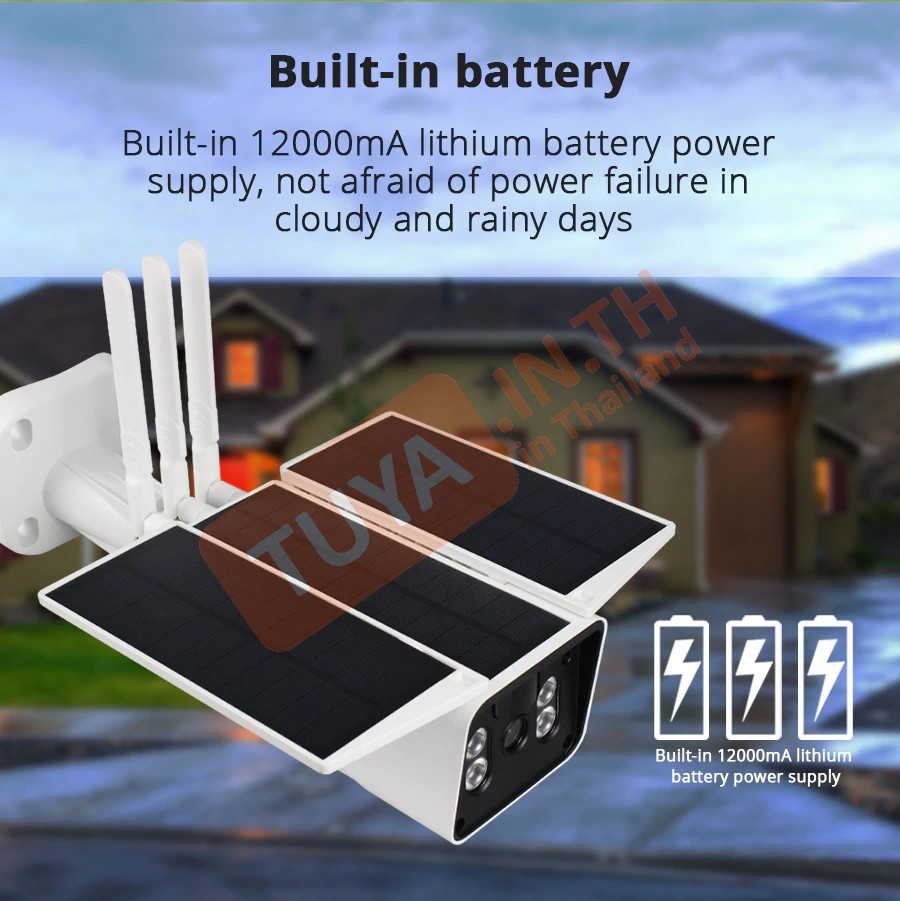
- ✓ พลังงานสะอาดจากโซล่าร์เซลล์: มาพร้อมแผงโซล่าร์ขนาด 6W และแบตเตอรี่ลิเธียมไอออน 12000mAh ใช้งานได้นานต่อเนื่องแม้วันที่มีแสงน้อยหรือฝนตก
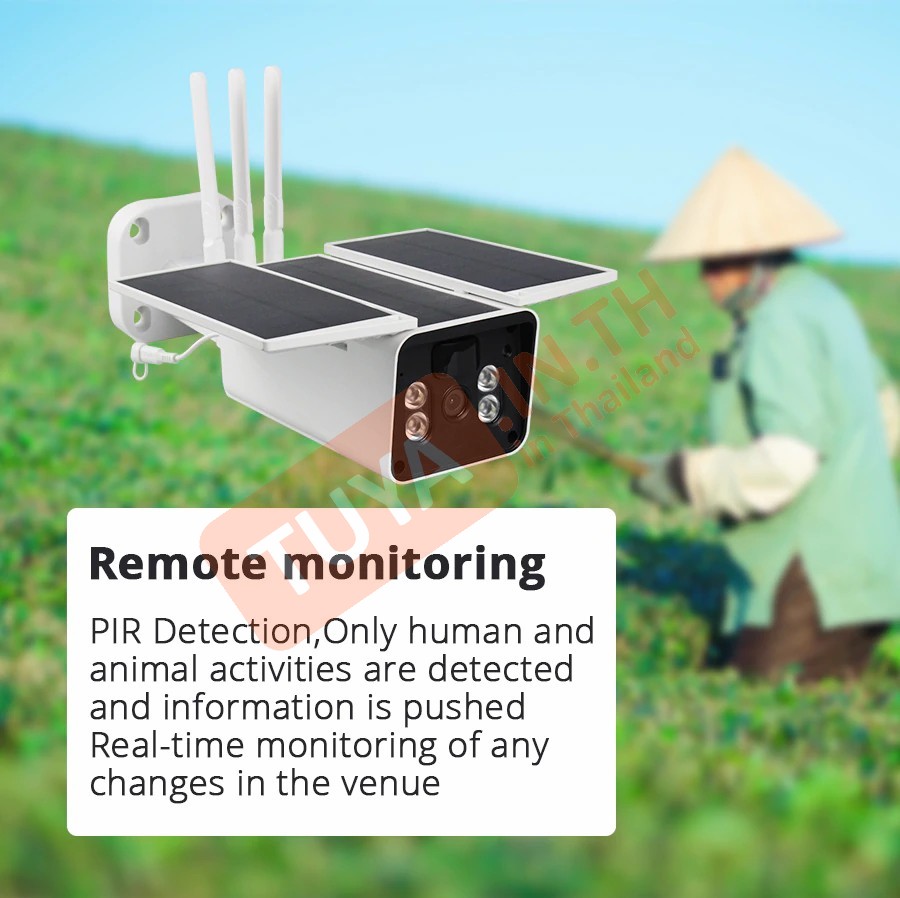
- ✓ เซนเซอร์ตรวจจับอัจฉริยะ (PIR): เทคโนโลยีตรวจจับความเคลื่อนไหวของสิ่งมีชีวิตและผู้บุกรุกที่แม่นยำ พร้อมแจ้งเตือนผ่านแอปพลิเคชันทันที
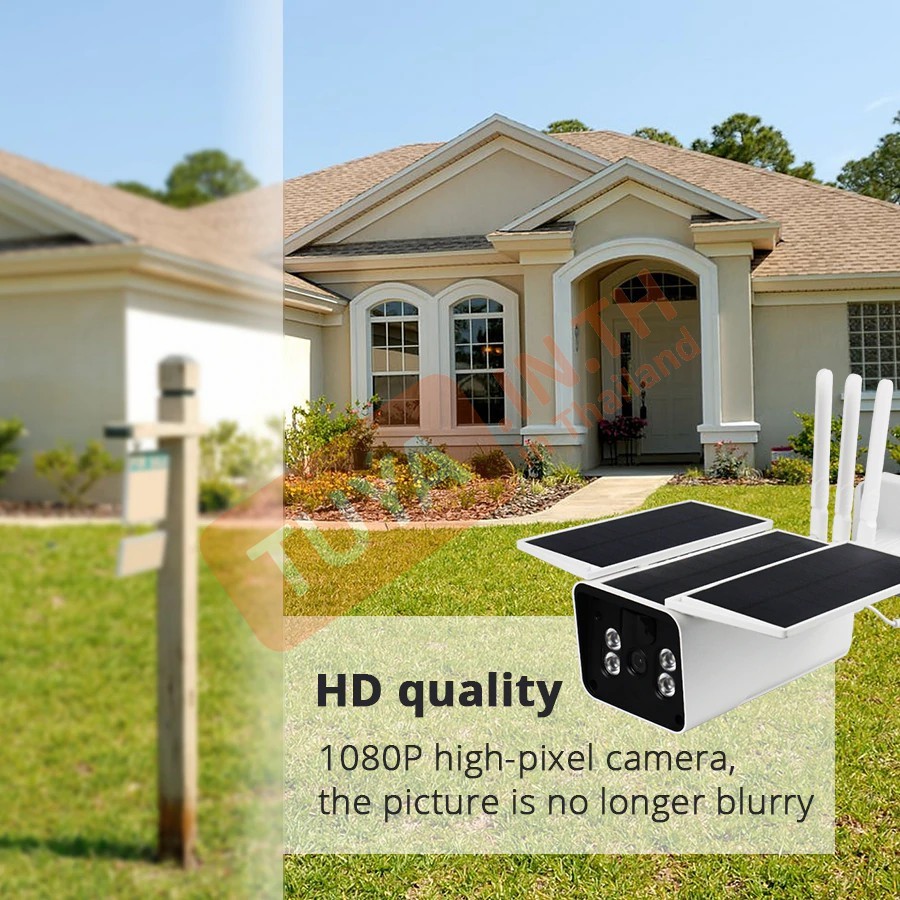
- ✓ ความละเอียด Full HD 1080P: เซนเซอร์ 1/3 CMOS ให้ภาพคมชัดสูง พร้อมเทคโนโลยี H.264 ช่วยประหยัดพื้นที่ในการบันทึกวิดีโอ
- ✓ วิสัยทัศน์กลางคืน (Night Vision): ติดตั้งตัวกรองอินฟราเรด (IR-Cut) อัตโนมัติ ให้ภาพคมชัดสมดุลแม้ในที่แสงน้อย ระยะมองเห็นไกลถึง 25 เมตร
- ✓ สื่อสาร 2 ทิศทาง (Two-way Audio): มีไมโครโฟนและลำโพงในตัว สามารถสื่อสารแบบอินเตอร์คอมพูดคุยโต้ตอบผ่านตัวกล้องได้
- ✓ ควบคุมผ่านแอปและคำสั่งเสียง: รองรับแอป TuyaSmart และสั่งงานด้วยเสียงผ่าน Amazon Echo หรือ Google Assistance ได้อย่างสมบูรณ์
ข้อมูลผลิตภัณฑ์ (Product Information)
- • ความคมชัดและเลนส์: 1080P Sensor เลนส์ขนาด 4 มิลลิเมตร ให้ภาพมุมกว้างและคมชัด
- • การเชื่อมต่อ: รองรับ Wi-Fi มาตรฐาน IEEE 802.11 b/g/n 2.4GHz
- • การจัดเก็บข้อมูล: รองรับ Micro SD Card (TF Card) สูงสุด 64GB
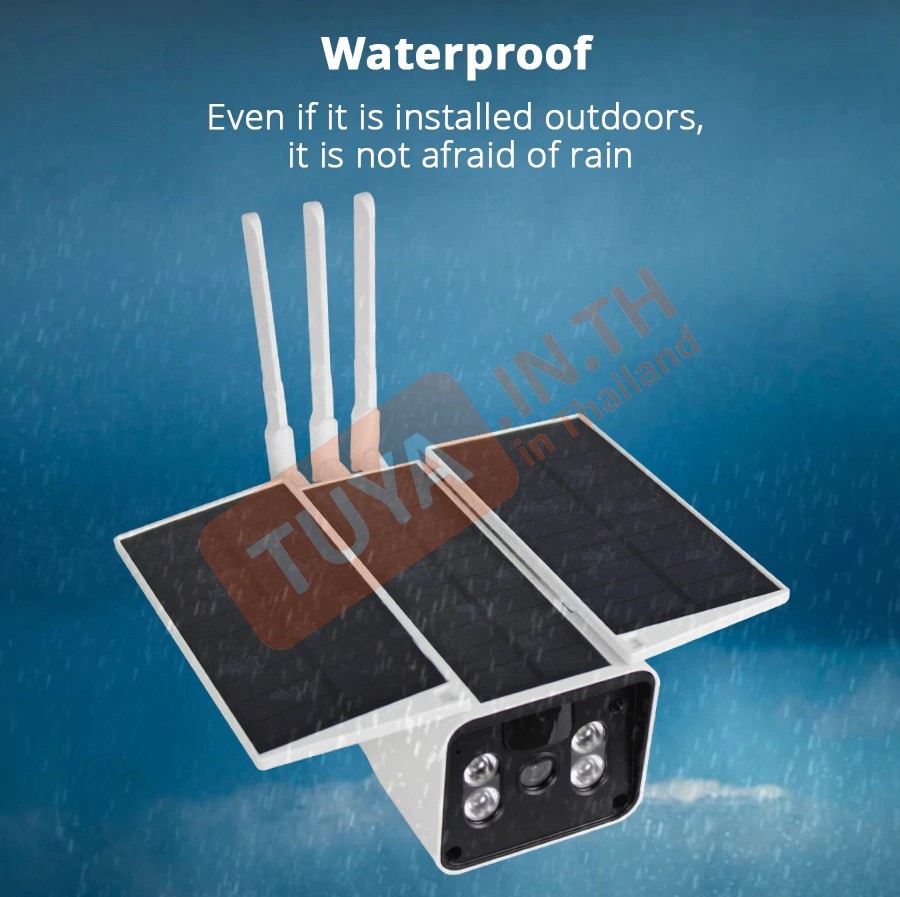
- • วัสดุและความทนทาน: ตัวบอดี้ทำจากโลหะ แข็งแรงทนทาน ทนความชื้น 5-95% RH ใช้งานภายนอกอาคารได้ดีเยี่ยม
- • อุณหภูมิที่รองรับ: สามารถทำงานได้ในช่วงอุณหภูมิ -10 ถึง 50 องศาเซลเซียส
- • คู่มือวิดีโอแนะนำการใช้งาน: คลิกเพื่อรับชมบน YouTube
 |
|
| Model | CMSW1 |
| Camera Sensor | 1/3 CMOS 1080P Sensor / 4mm Lens |
| Solar Supply | 6W Solar Panel |
| Battery | 4 * 18650 Rechargeable (12000mA) |
| Night Vision | IR-Cut (Up to 25M) |
| Wi-Fi Standards | IEEE 802.11 b/g/n 2.4GHz |
| Material | Metal (โลหะ) |
| Wake-up Mode | PIR Detection / APP Active / Call Button |
| Operating Temp. | –10°C to +50°C |



รองรับการเชื่อมต่อกับ


| ฟังก์ชั่นในหน้าหลัก (MAIN PAGE FUNCTION) | |
|---|---|
| Screenshot | |
| Speak | |
| Record | |
| Photo album | |
| Playback | Date / Recod / Screenshot |
| ฟังก์ชั่นการตั้งค่าในส่วน SETTINGS | ||
|---|---|---|
| Third Party Supported | Amazon echo | |
| Google home | ||
| Basic Function Settings | Flip Screen | |
| Time Watermark | ||
| Talk Mode | One-Way Communication | |
| Two-Way Talk | ||
| Advance settings | PIR | High / Medium / Low / Off |
| Power Management Settings | Battery Remaining | |
| Power Source | ||
| Set the low battery alarm threshold | ||
| Storage Settings | ||
รองรับการเชื่อมต่อกับ
 >
>
| IF | THEN | ||||
|---|---|---|---|---|---|
| Motion Detected | Motion Detected | ✓ | Vision Filp | On / Off | ✓ |
| OSD Watermark | On / Off | ✓ | |||
| Format Memory Card | On / Off | ??? | |||
| Low Battery Alarm | 2.0-5.0 | ??? | |||
| Device State | Walking State / Dormant State | ✓ | |||
| PIR Switch And Sensitivity | Off / Low / Medium / High | ✓ | |||
Sound
Step Reset เสียง : Reset
Step 1 เสียงก่อนตั้งค่า : Waitfor wifi config
Step 2 เสียงหลังจาก Scan QR เสร็จ : Connect rounter
Step 3 ต่อด้วยเสียง : Connect internet
Step 4 เชื่อมต่อเสร็จ เสียง : Add device success