

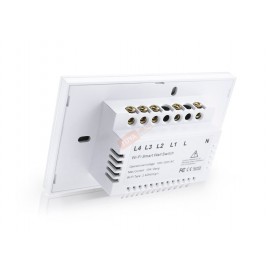
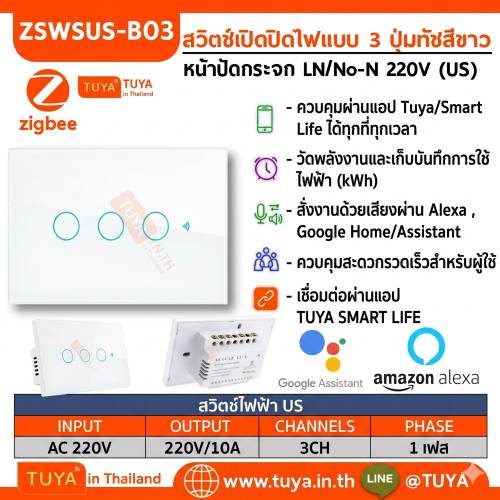
ZSWUS-B03 สวิตซ์ไฟฟ้าแบบปุ่มทัช 3ปุ่ม ขนาดUS สีขาว LL LN Zigbee (US) แนวยาว
0 รีวิว
ขายแล้ว 0 ชิ้น เหลือเพียง 10 ชิ้น
1,299 บาท
1,091 บาท
-16%
รหัสสินค้า: ZSWUS-B03
สต๊อก 2-3 Days
รายละเอียดสินค้า
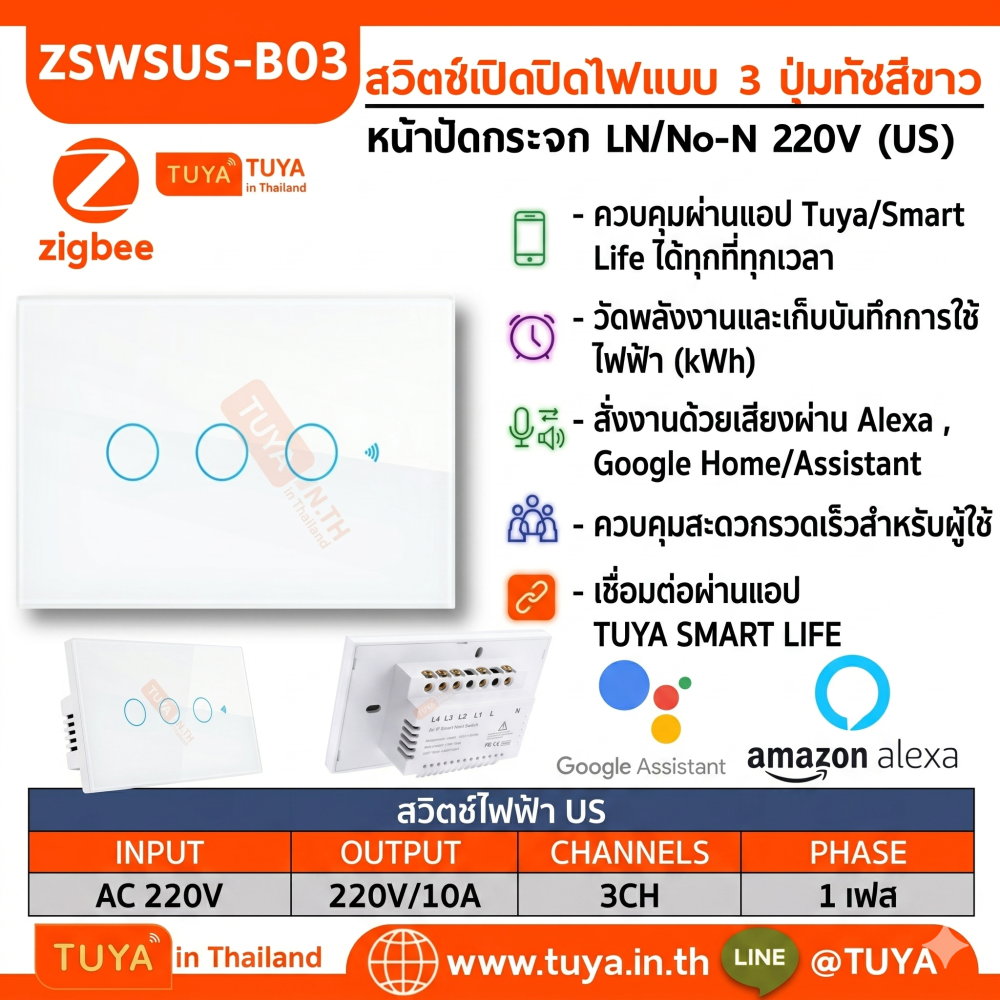
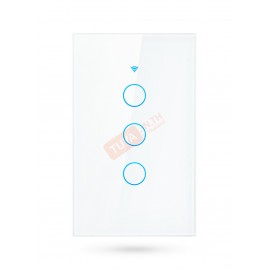
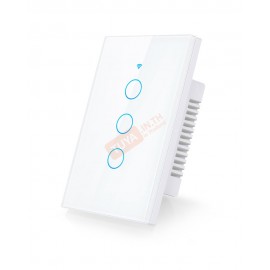
ZSWUS-B03 สวิตซ์ไฟฟ้าแบบปุ่มทัช 3 ปุ่ม ขนาด US สีขาว LL LN Zigbee (US) แนวยาว
คุณสมบัติเด่น (Product Features)
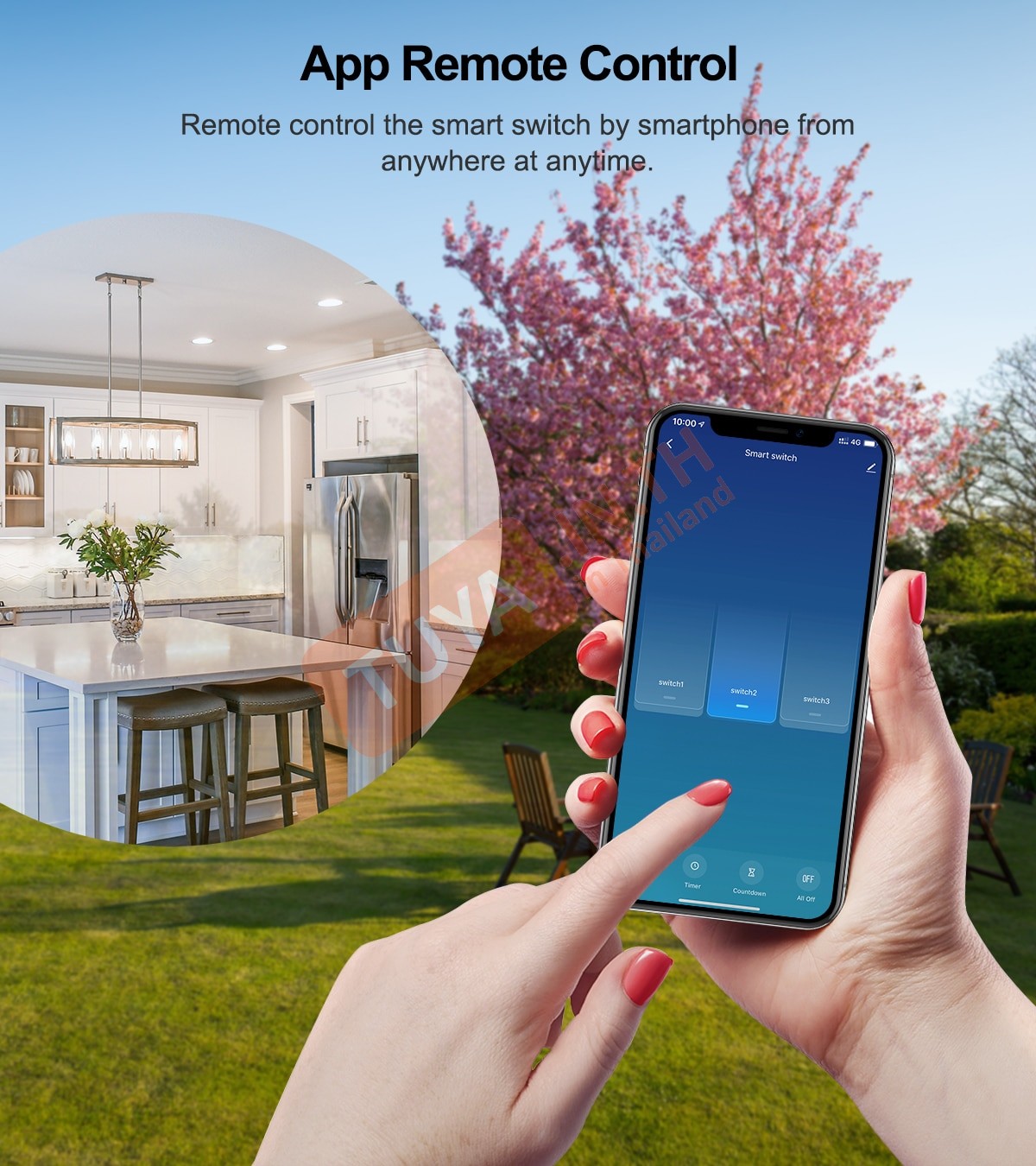
- ✓ การเชื่อมต่อ Zigbee: รองรับการเชื่อมสัญญาณ Zigbee สั่งเปิด/ปิดผ่านแอปพลิเคชันมือถือ (ต้องใช้ Zigbee Gateway)
- ✓ ทัชสกรีนแม่นยำ: รองรับการกดเปิดปิดที่จุดติดตั้ง ด้วยปุ่มกดแบบทัช ใช้งานได้แม้ไม่มีอินเทอร์เน็ต
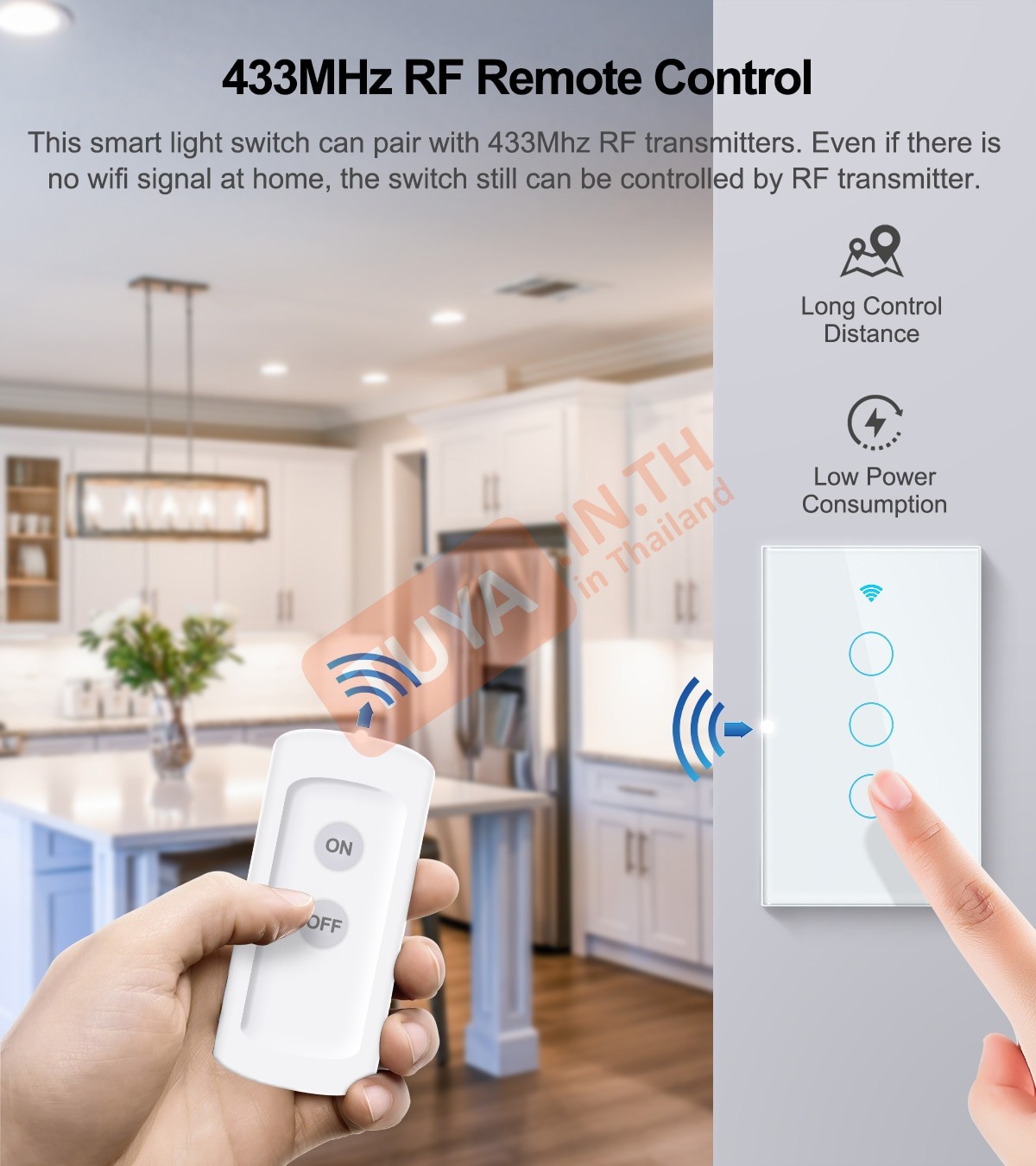
- ✓ รองรับรีโมทคลื่นวิทยุ: รองรับการควบคุมสั่งงานผ่านปุ่มกดไร้สาย/รีโมทควบคุม (433Mhz)
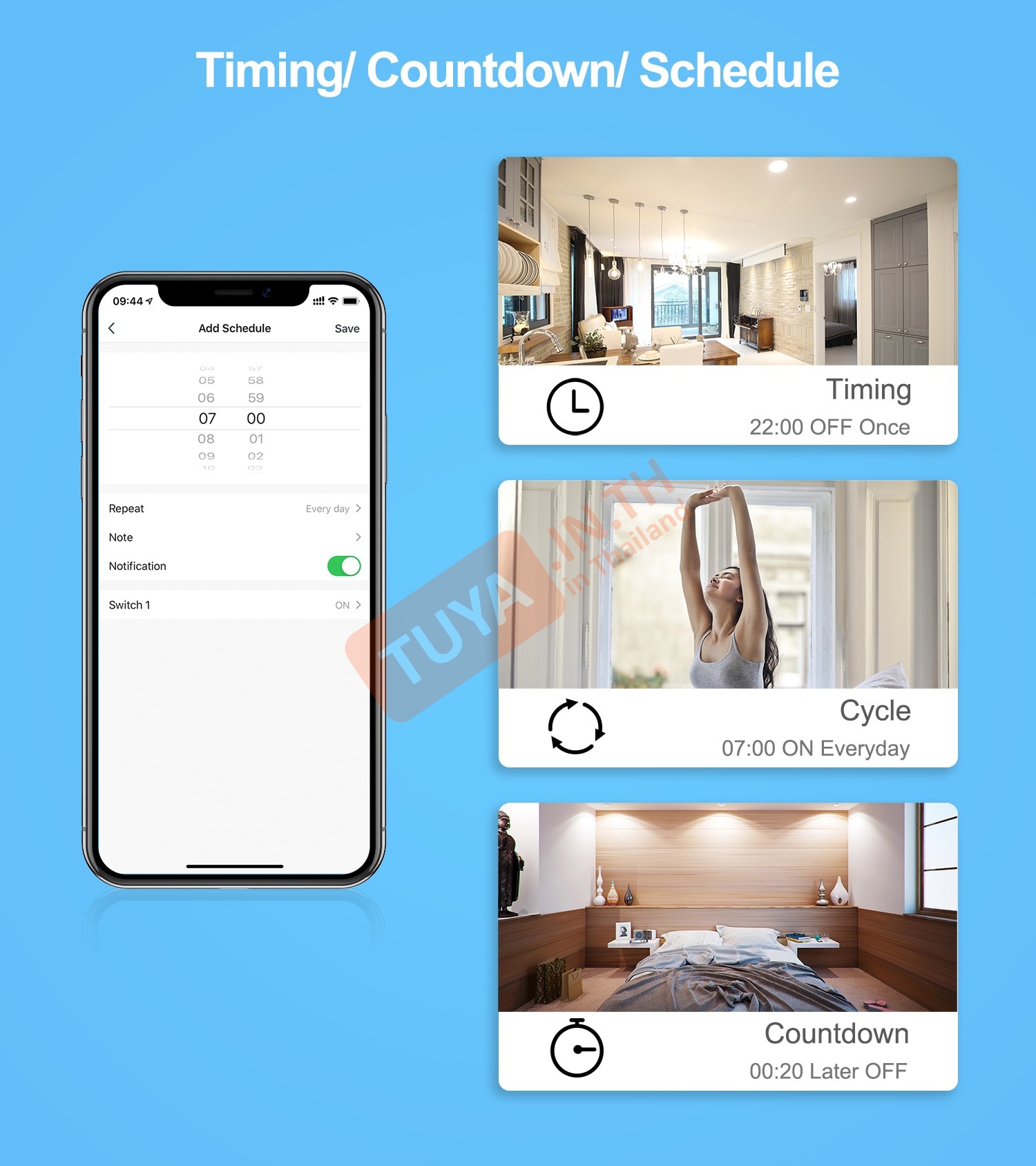
- ✓ ระบบตั้งเวลาอัตโนมัติ: สามารถตั้งตารางเวลาการทำงานอัตโนมัติได้ เปิดปิดตามเวลาและเงื่อนไข ทั้งการสั่งเปิดปิดตามวันเวลา และการนับถอยหลัง
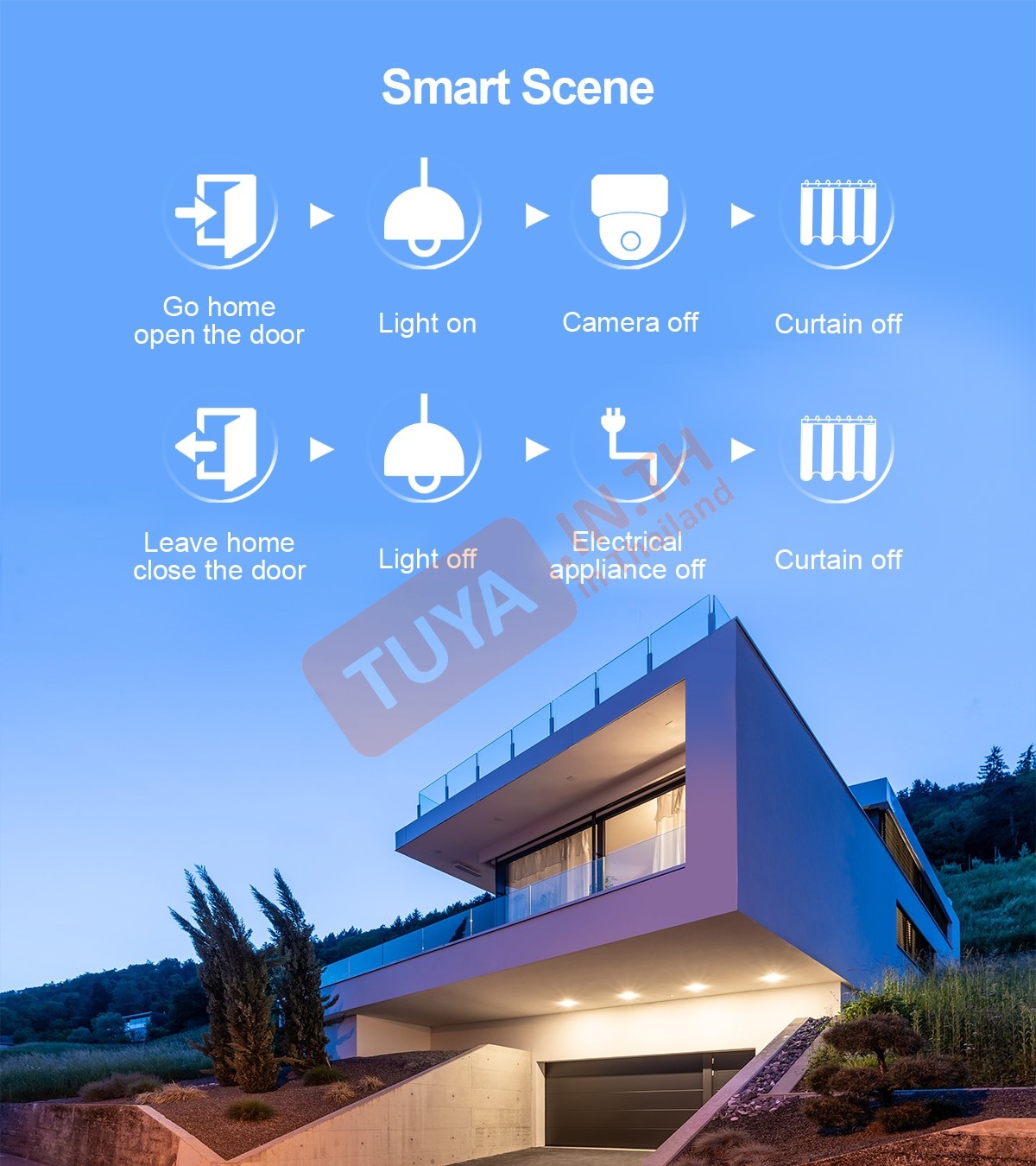
- ✓ เชื่อมโยงอุปกรณ์สมาร์ทโฮม: สามารถเปิดปิดสวิตซ์ผ่านการทำเงื่อนไข Home Automation กับอุปกรณ์อื่นๆ ได้
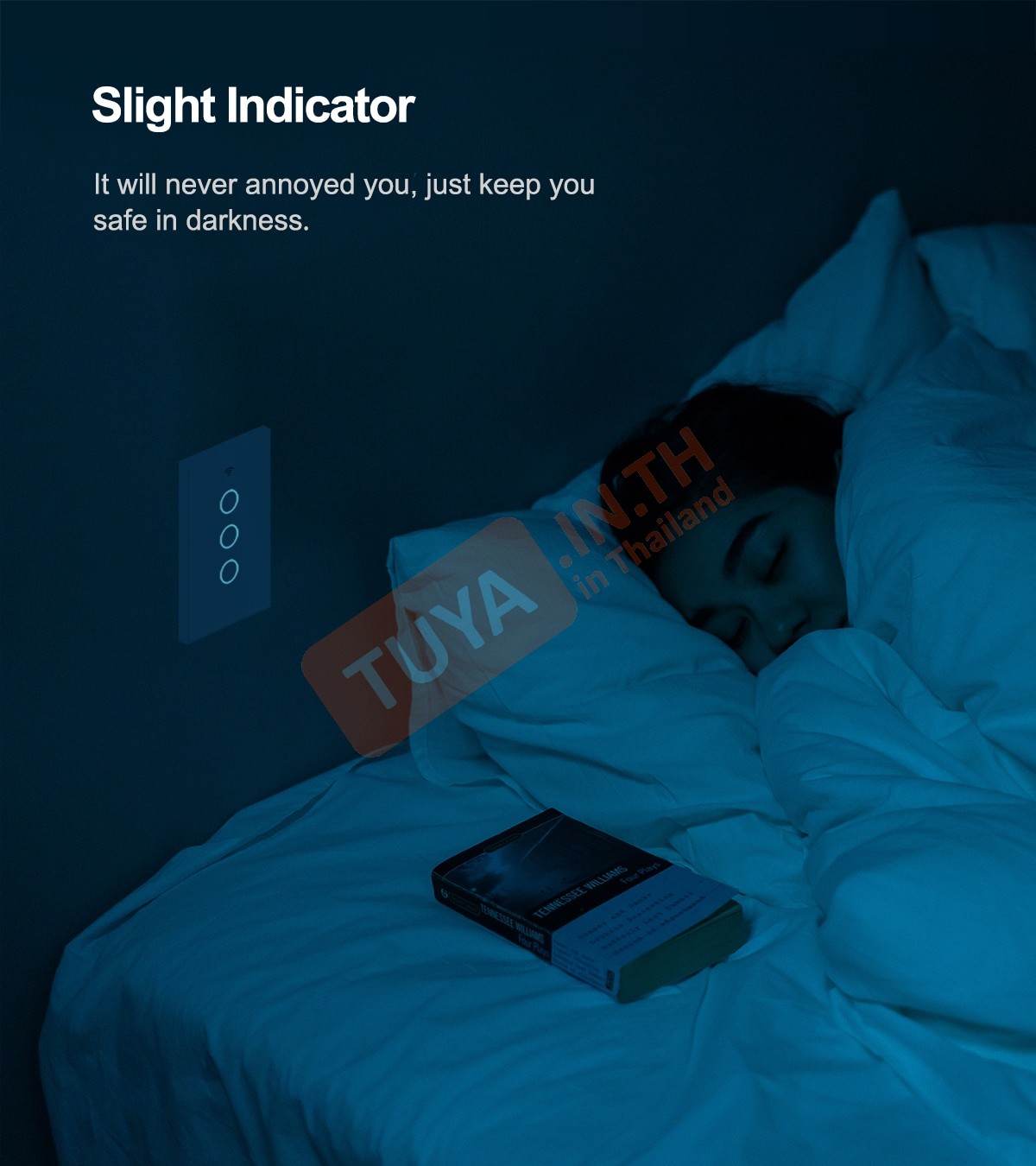
- ✓ ไฟสถานะ LED: ปุ่มกดแบบมีแสงไฟสถานะ ส่องสว่างในตอนกลางคืนแม้ไร้แสงไฟ สังเกตได้ง่าย
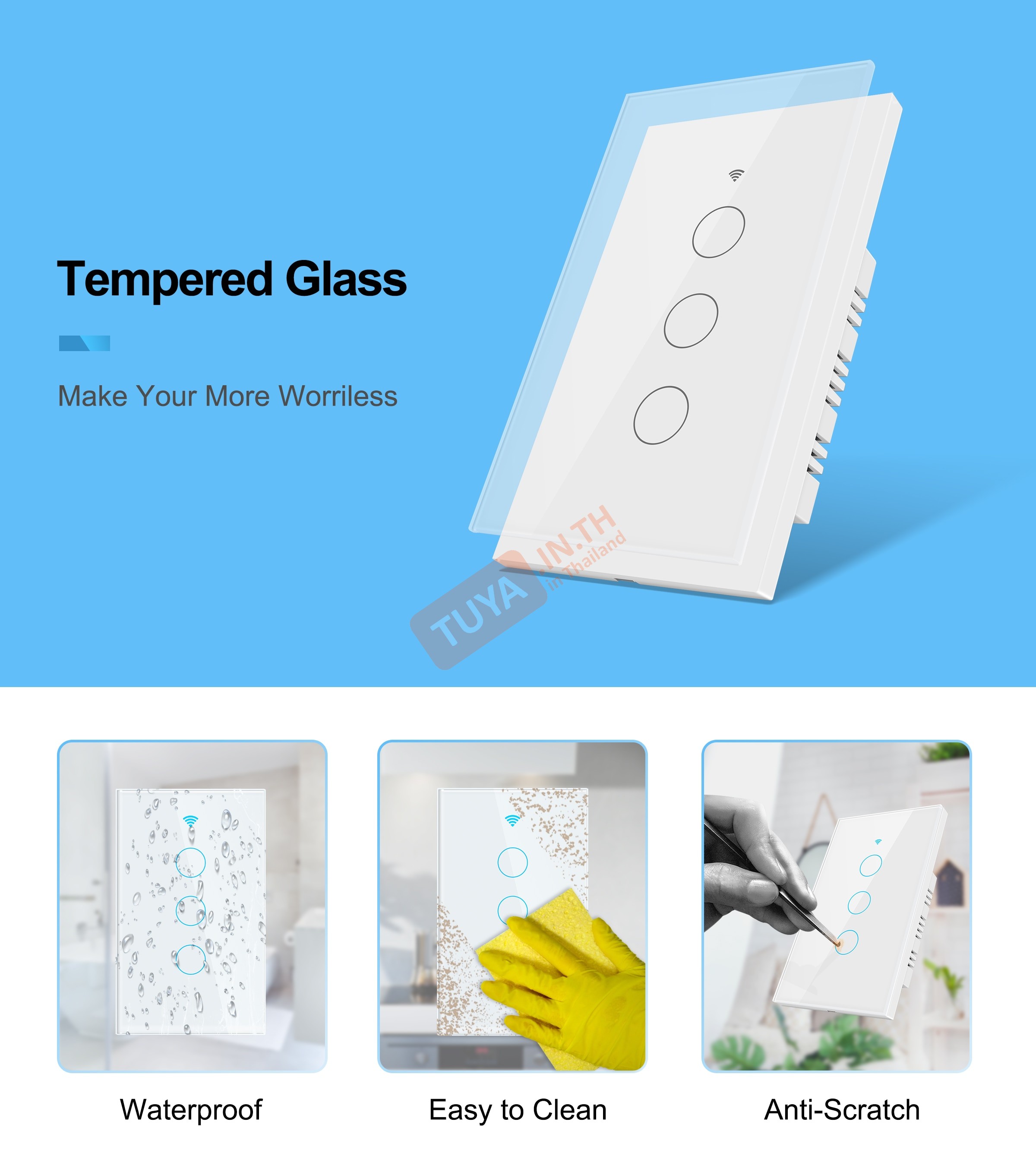
- ✓ ดีไซน์หรูหรา: หน้าปัดแบบกระจกมีความสวยงาม ทนทาน และทำความสะอาดง่าย
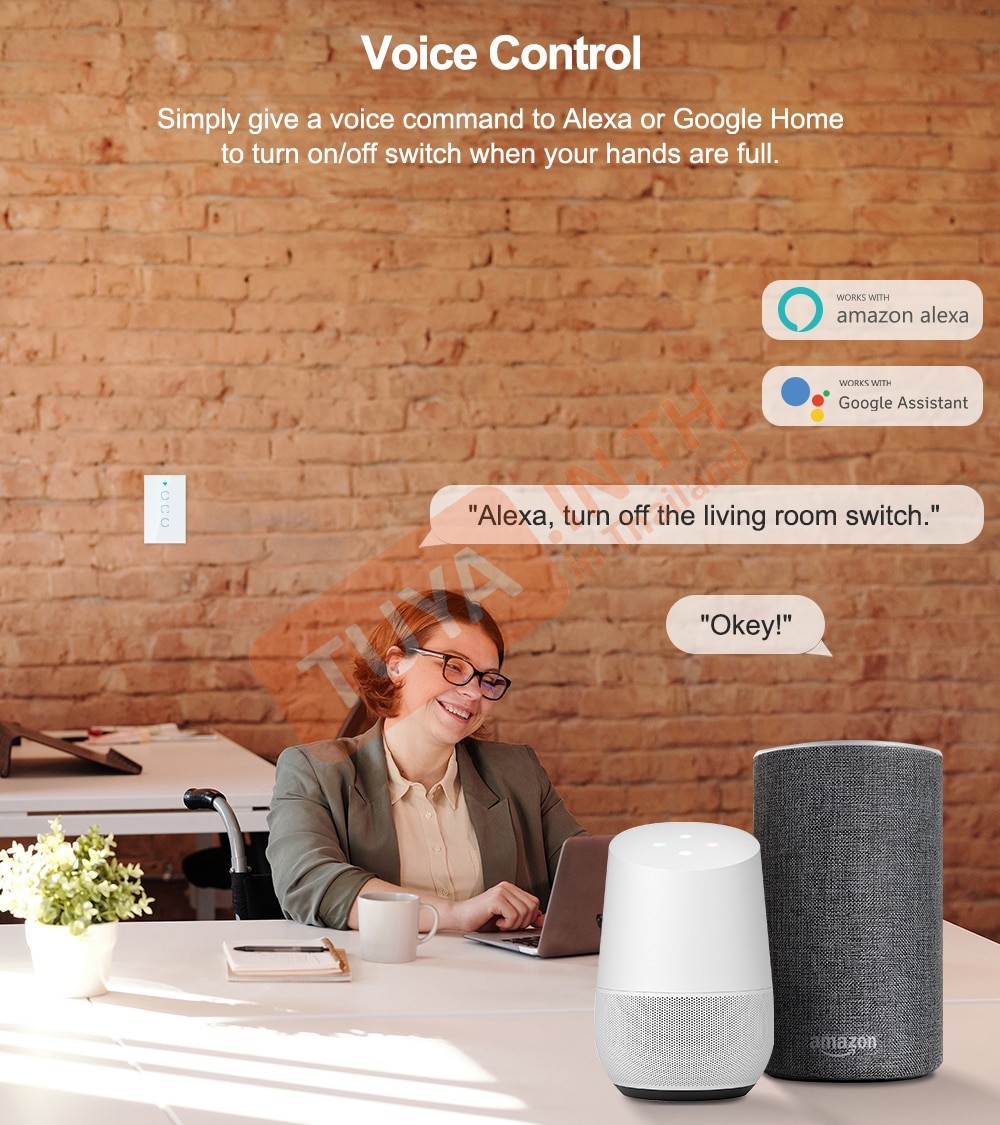
- ✓ สั่งงานด้วยเสียง: รองรับการควบคุมสั่งงานด้วยเสียงผ่าน Google Home และ Amazon Alexa
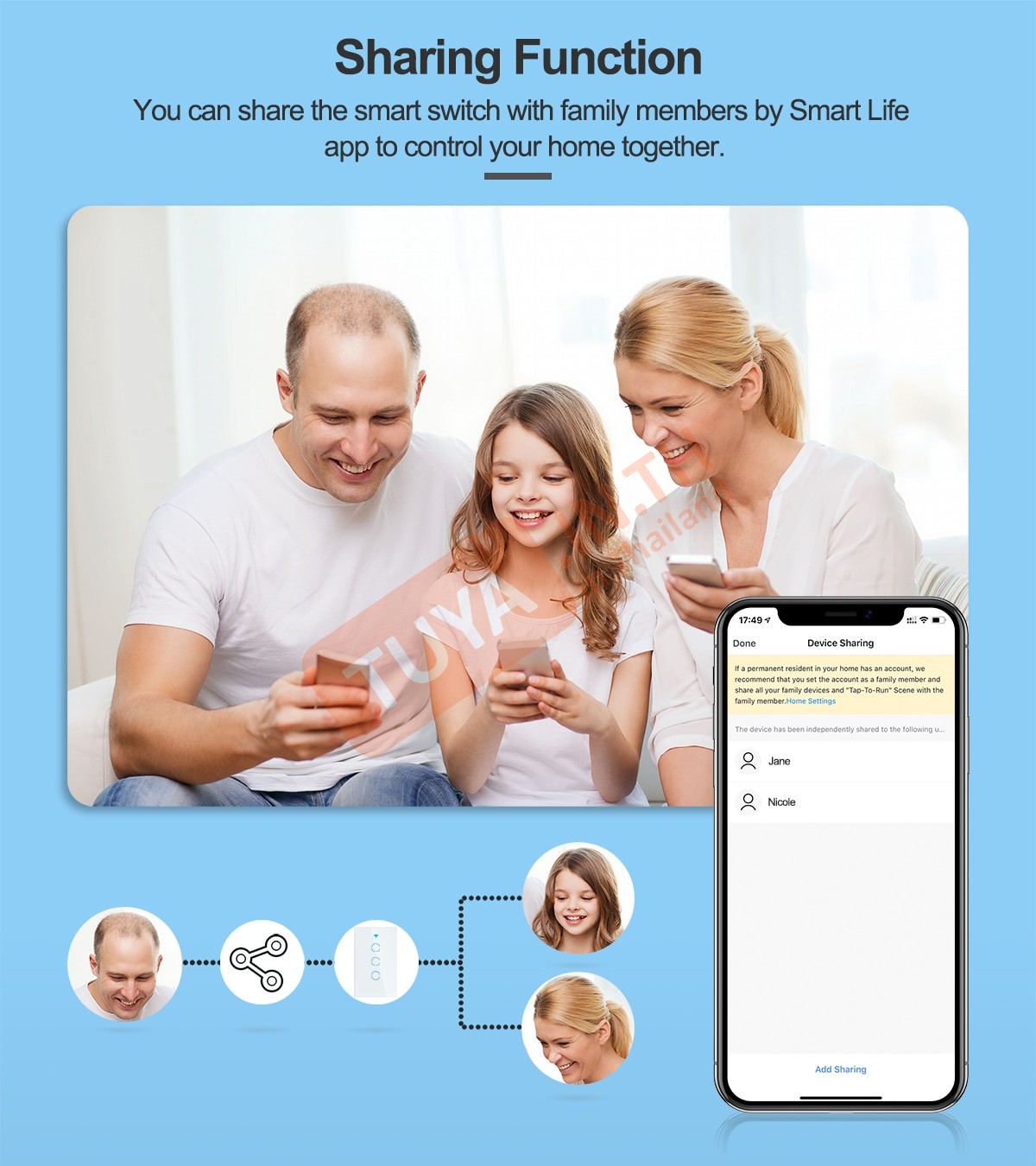
- ✓ แชร์การควบคุม: แชร์อุปกรณ์ให้สมาชิกในครอบครัวใช้งานร่วมกันได้ และสามารถลบผู้ใช้ออกได้เอง
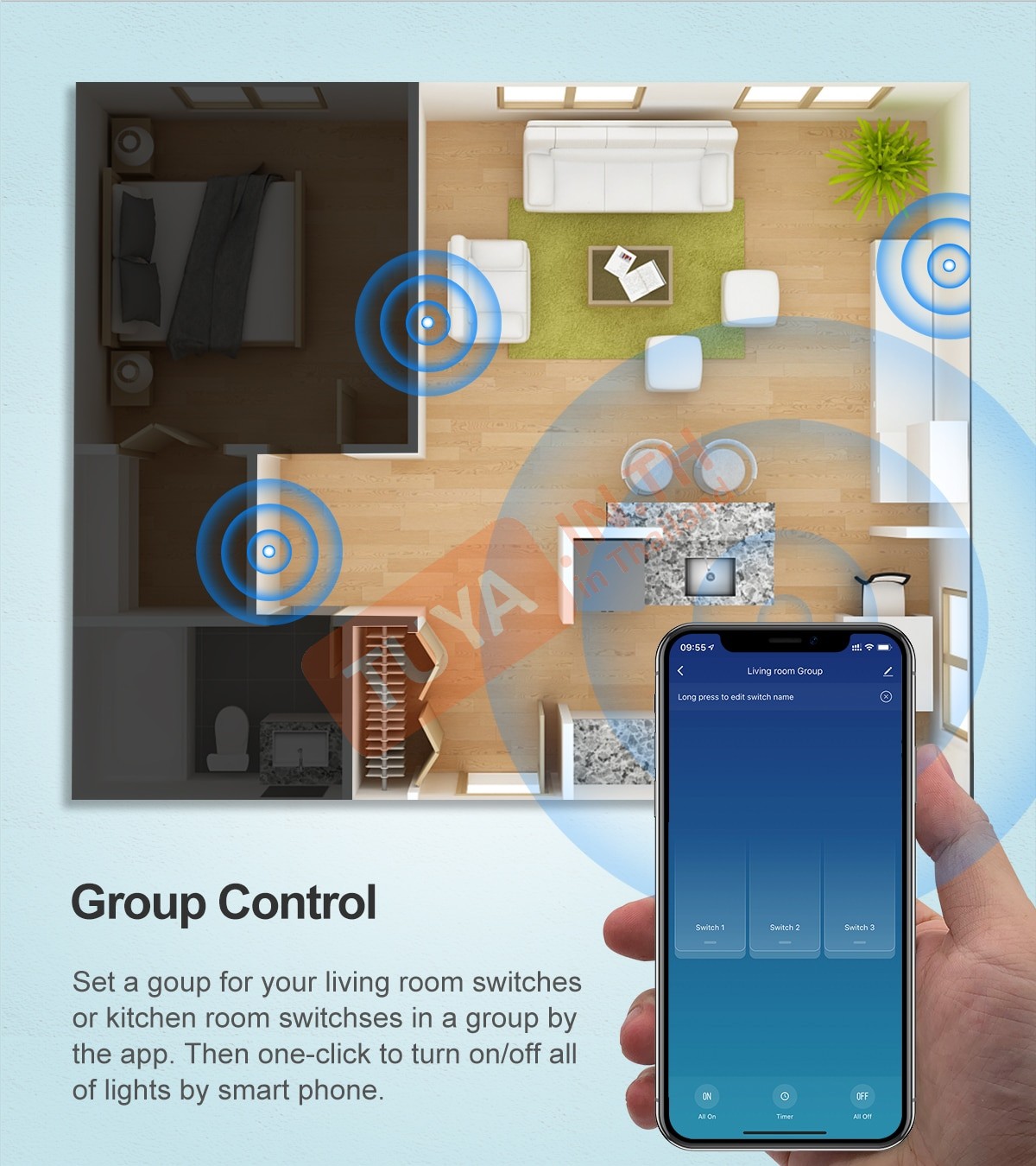
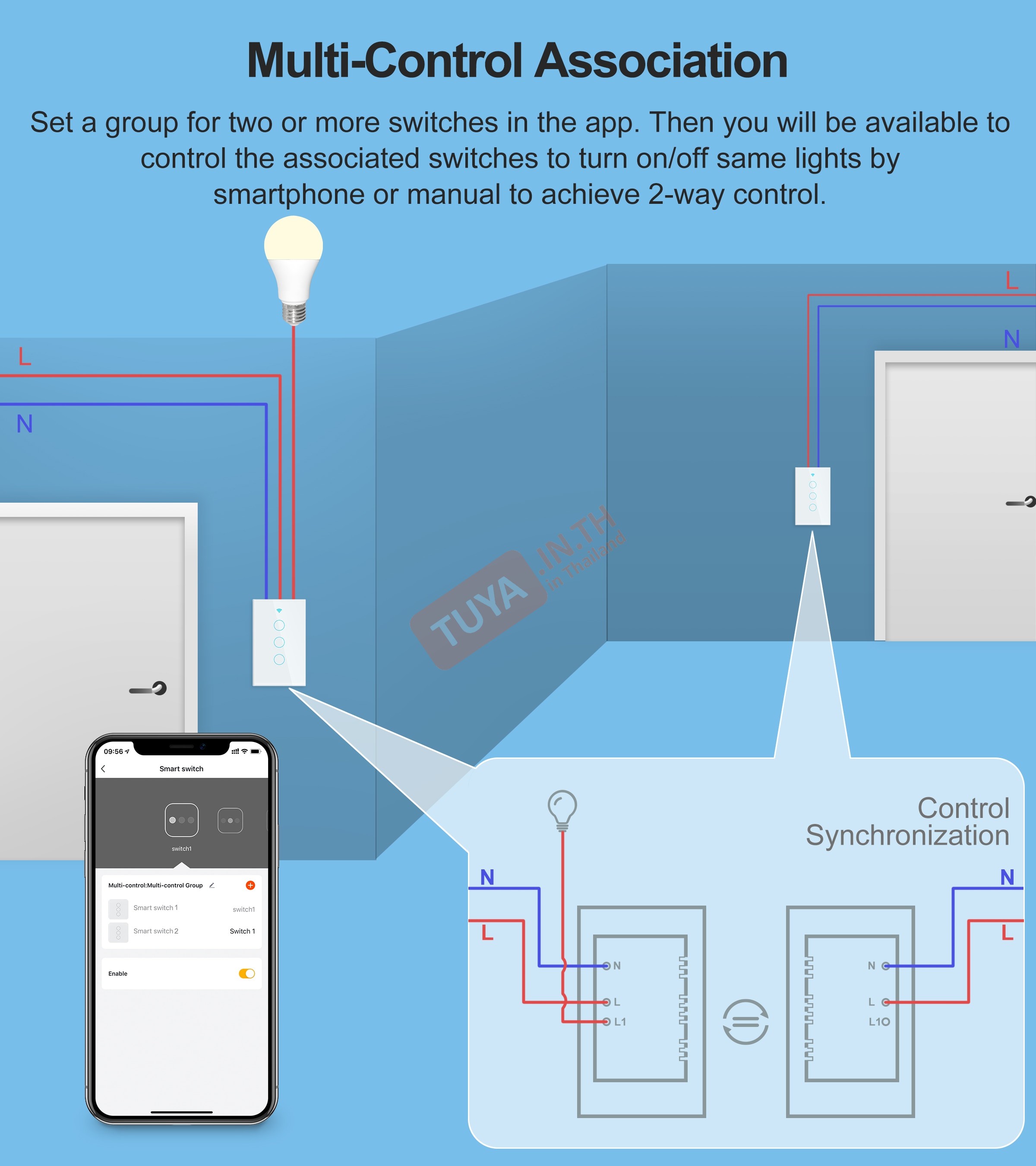
- ✓ ทำงานแบบกลุ่ม: สามารถตั้งค่าให้ทำงานแบบกลุ่มร่วมกับสวิตซ์อื่นในบ้านได้อย่างอิสระ
ข้อมูลผลิตภัณฑ์ (Product Information)
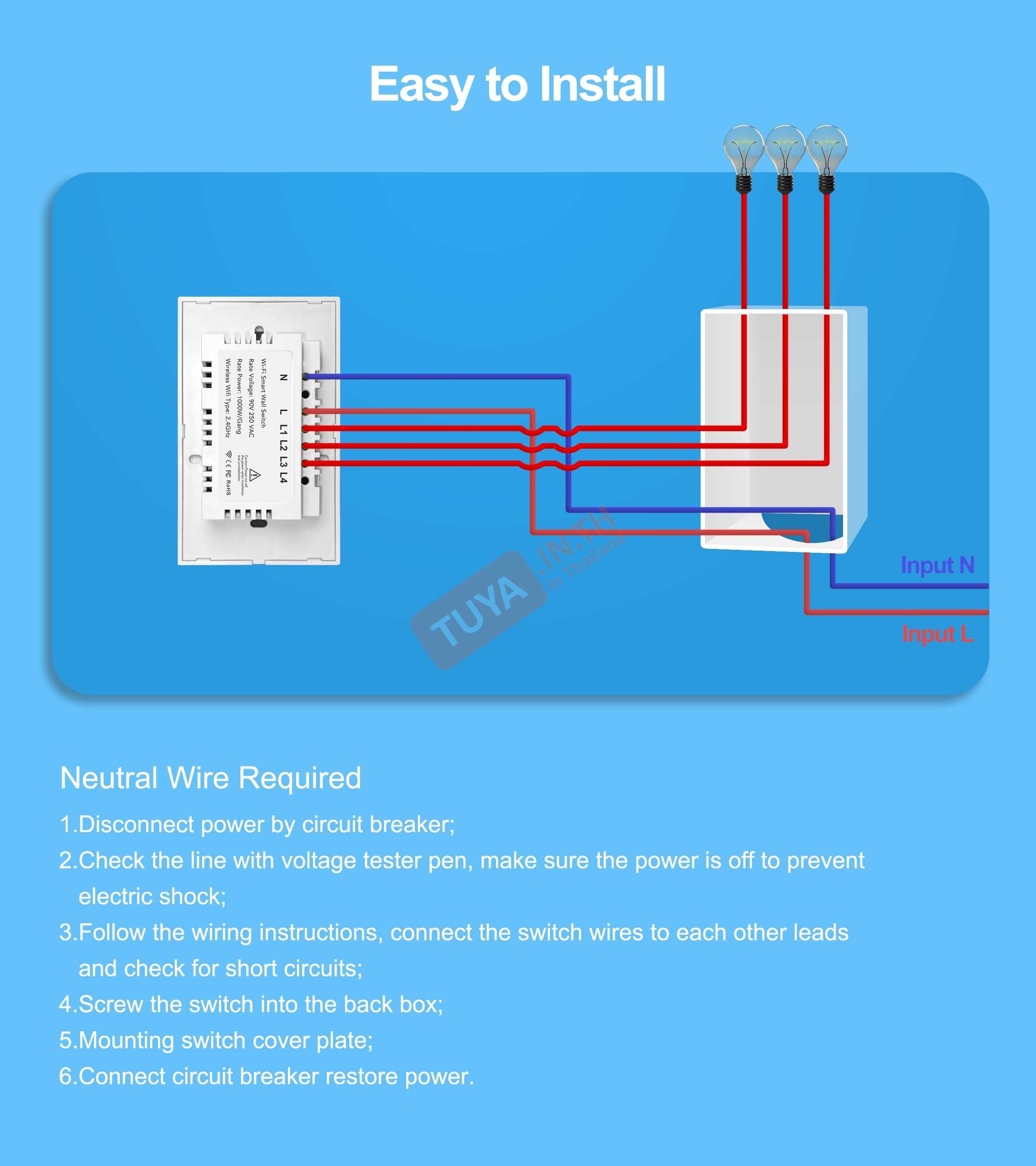
- • รูปแบบการเดินสาย: มีทั้งแบบที่ต้องต่อสายไฟ L/N และแบบไม่ต้องใช้สาย N (และต่อ Capacitor)
- • กำลังไฟฟ้าที่รองรับ: 220V 10A สามารถรองรับโหลดสูงสุด 2200W
- • การติดตั้ง: สามารถใส่ทดแทนที่กับกล่องไฟฟ้าบ้านแบบเดิมได้ทันที (รองรับกล่องแบบ US/AU)
 |
|
| Model | ZSWUS-B3 |
| Switch Channel | 3CH |
| Voltage | AC 110V-240V |
| Switch Mode | Touch / Mobile phone |
| APP Name | TuyaSmart / SmartLife |
| Rated Current | 10A |
| Network | Zigbee |
| Support Voice Control | Work with Amazon Alexa / Google Assistance |
| Material | Panel: Ultra clear tempered glass panel Back shell: Fire restriction PC |
| Operation Temp. | –10°C to +60°C |
| Humidity | 5%--95% non-condensing |
| Color | White / Black |
 |
|
| Touch Switch | x1 |
| Screws | x2 |
| User Manual | x1 |
รองรับการเชื่อมต่อกับ
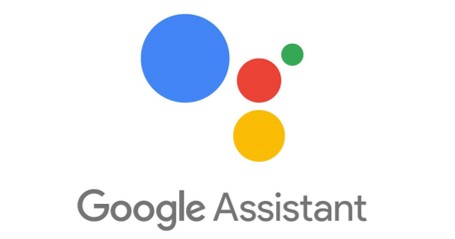

| ฟังก์ชั่นในหน้าหลัก (MAIN PAGE FUNCTION) | |
|---|---|
| Switch 1 | |
| Switch 2 | |
| All on | |
| Timer | Switch 1 |
| Switch 2 | |
| Setting | |
| All off | |
| ฟังก์ชั่นการตั้งค่าในส่วน SETTINGS | |
|---|---|
| Third Party Supported | Amazon echo |
| Google home | |
| Restart status | Power-off / Power-on / Restart Memory |
| Indicator status | Off / On-off status / Switch position |
รองรับการเชื่อมต่อกับ
 >
>
| IF | THEN | ||||
|---|---|---|---|---|---|
| Restart status | Power-off / Power-on / Restart Memory | ✓ | Restart status | Power-off / Power-on / Restart Memory | ✓ |
| Indicator status | Off / On-off status / Switch position | ✓ | Indicator status | Off / On-off status / Switch position | ✓ |
| Switch 1 | On / Off | ✓ | Switch 1 | On / Off | ✓ |
| Switch 2 | On / Off | ✓ | Switch 2 | On / Off | ✓ |
| Timer 1 | 0s-43200s | ✓ | Timer 1 | 0s-43200s | ✓ |
| Timer 2 | 0s-43200s | ✓ | Timer 2 | 0s-43200s | ✓ |
Display Light
Step1 : กดปุ่มวงกลม บนอุปกรณ์เพื่อเข้าโหมดเข้าตั้งค่าเพื่อเชื่อมต่อกับอุปกรณ์โทรศัพท์ : / ไฟกระพริบสีน้ำเงิน
Step 2 : เข้าโหมดตั้งค่าสำเร็จ : ไฟสีน้ำเงินค้าง
Step3 : เชื่อมต่ออุปกรณ์เสร็จสิ้น
สินค้าที่เกี่ยวข้อง
-16%
ZSWUS-B01 สวิตซ์ไฟฟ้าแบบปุ่มทัช 1ปุ่ม ขนาดUS สีขาว LL LN Zigbee (US)
881 บาท 1,049 บาท
-16%
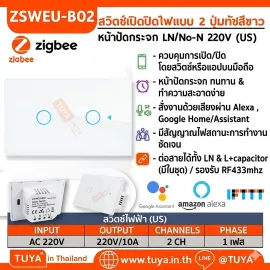
ZSWUS-B02 สวิตซ์ไฟฟ้าแบบปุ่มทัช 2ปุ่ม ขนาดUS สีขาว LL LN Zigbee (US) แนวยาว
1,007 บาท 1,199 บาท
-16%
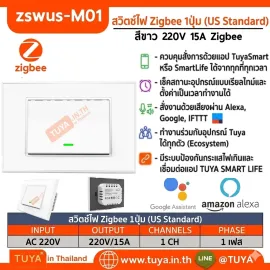
ZSWUS-M01 สวิตซ์เปิดปิดไฟฟ้าแบบปุ่มกด 1ปุ่ม ขนาดUS สีขาว Zigbee LL
1,310 บาท 1,559 บาท
-16%
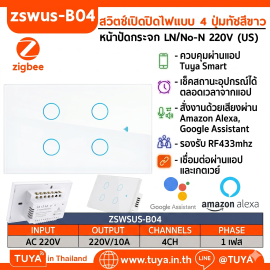
ZSWUS-B04 สวิตซ์ไฟฟ้าแบบปุ่มทัช 4ปุ่ม ขนาดUS สีขาว LL LN Zigbee (US) แนวยาว
1,259 บาท 1,499 บาท
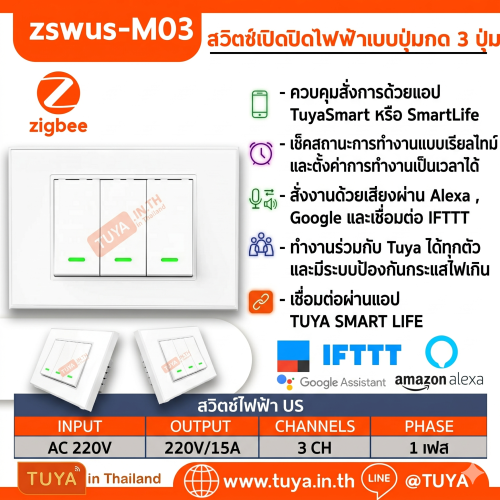
ZSWUS-M03 สวิตซ์เปิดปิดà..
1,478 บาท
1,759 บาท
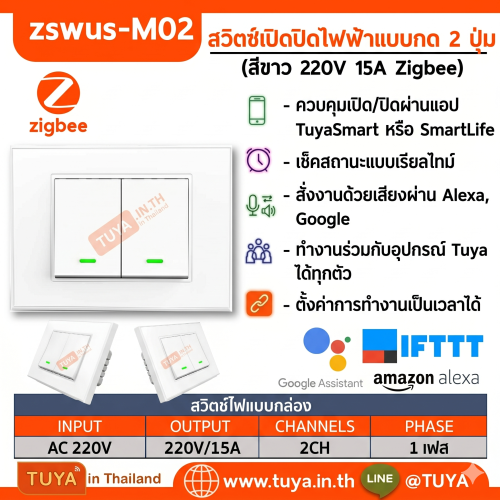
ZSWUS-M02 สวิตซ์เปิดปิดà..
1,394 บาท
1,659 บาท
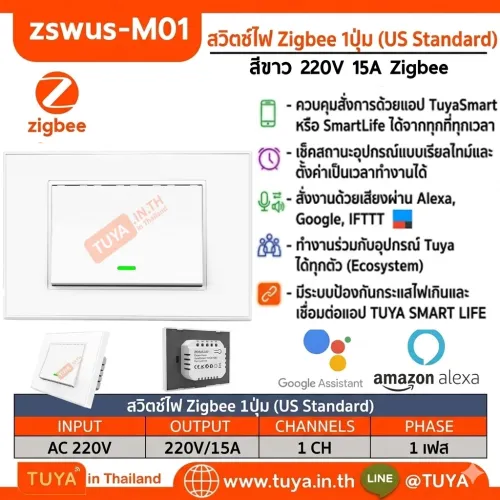
ZSWUS-M01 สวิตซ์เปิดปิดà..
1,310 บาท
1,559 บาท
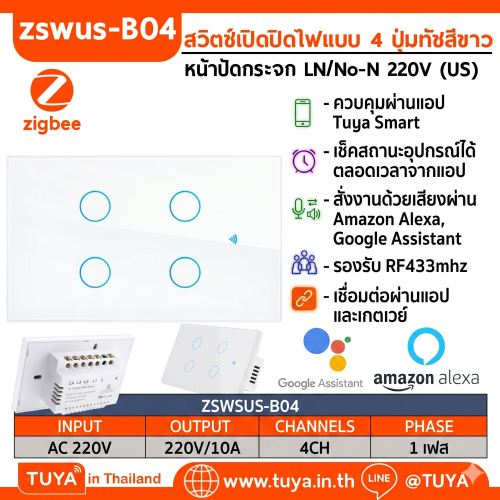
ZSWUS-B04 สวิตซ์ไฟฟ้าแบà..
1,259 บาท
1,499 บาท
ZSWUS-B03 สวิตซ์ไฟฟ้าแบà..
1,091 บาท
1,299 บาท
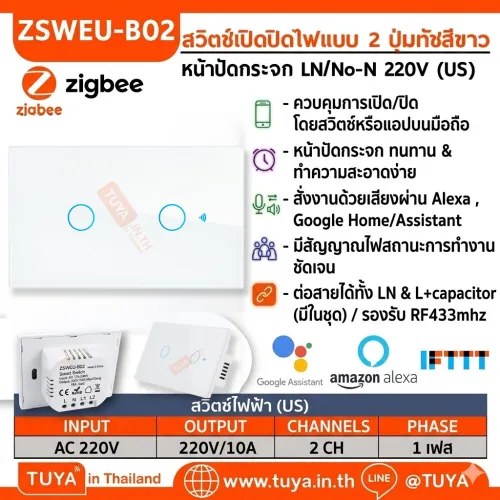
ZSWUS-B02 สวิตซ์ไฟฟ้าแบà..
1,007 บาท
1,199 บาท