

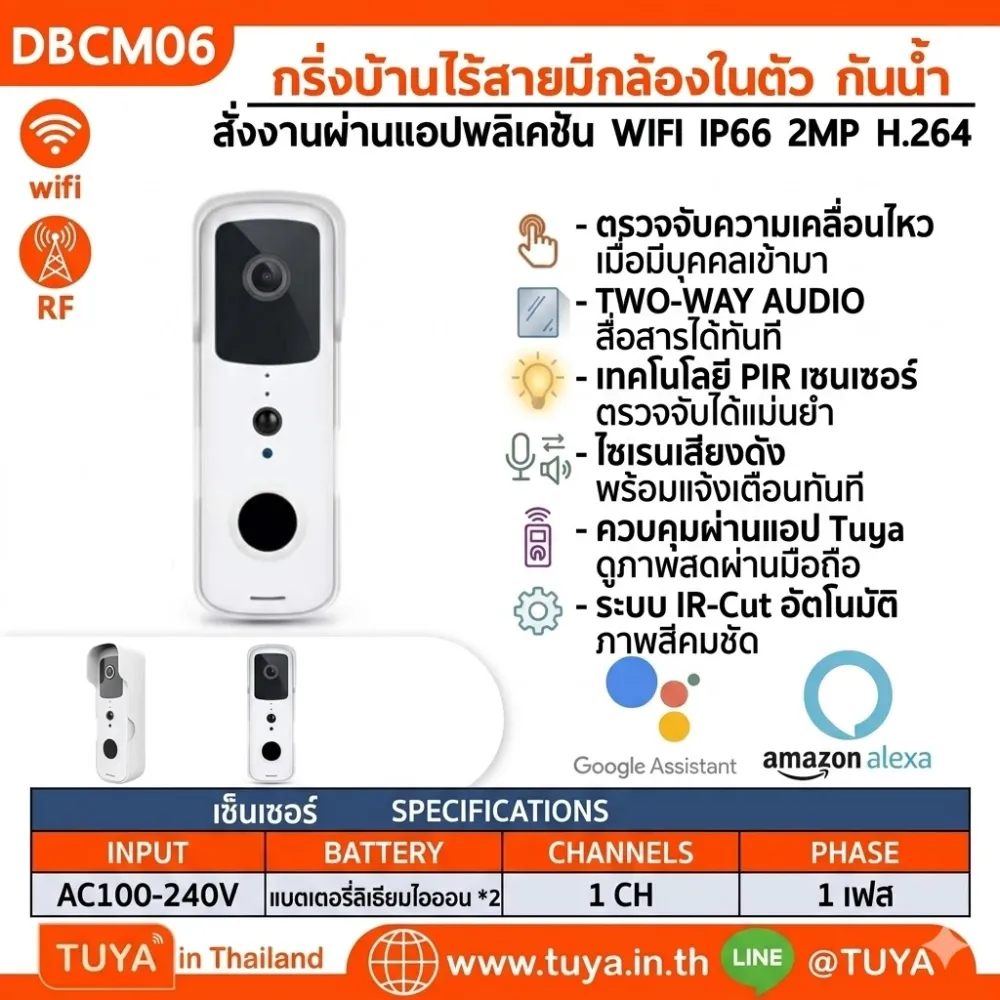
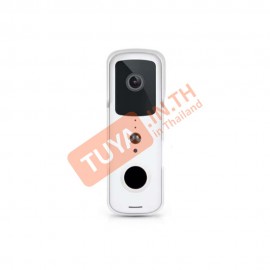
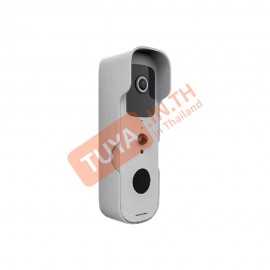
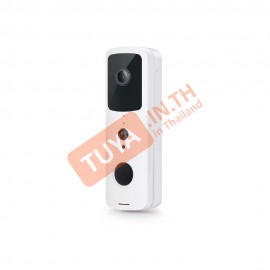
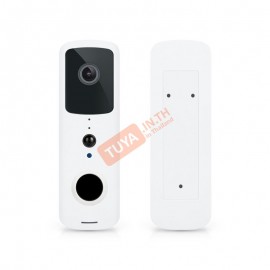
DBCM06 กริ่งบ้านไร้สายมีกล้องในตัวกันน้ำ สั่งงานผ่านแอปพลิเคชัน WIFI IP66 2MP H.264 แบตเตอรี่ลิเธียมไอออน 18650 จำนวน 2 ก้อน
0 รีวิว
ขายแล้ว 0 ชิ้น เหลือเพียง 0 ชิ้น
2,599 บาท
2,183 บาท
-16%
รหัสสินค้า: DBCM06
สต๊อก 0
รายละเอียดสินค้า
DBCM06 กริ่งประตูอัจฉริยะ Wi-Fi 1080P กันน้ำ IP66 พร้อมกล้องในตัวและระบบสื่อสาร 2 ทาง
🎥 คู่มือวิดีโอแนะนำการใช้งาน : คลิกเพื่อรับชมบน YouTube
คุณสมบัติเด่น (Product Features)
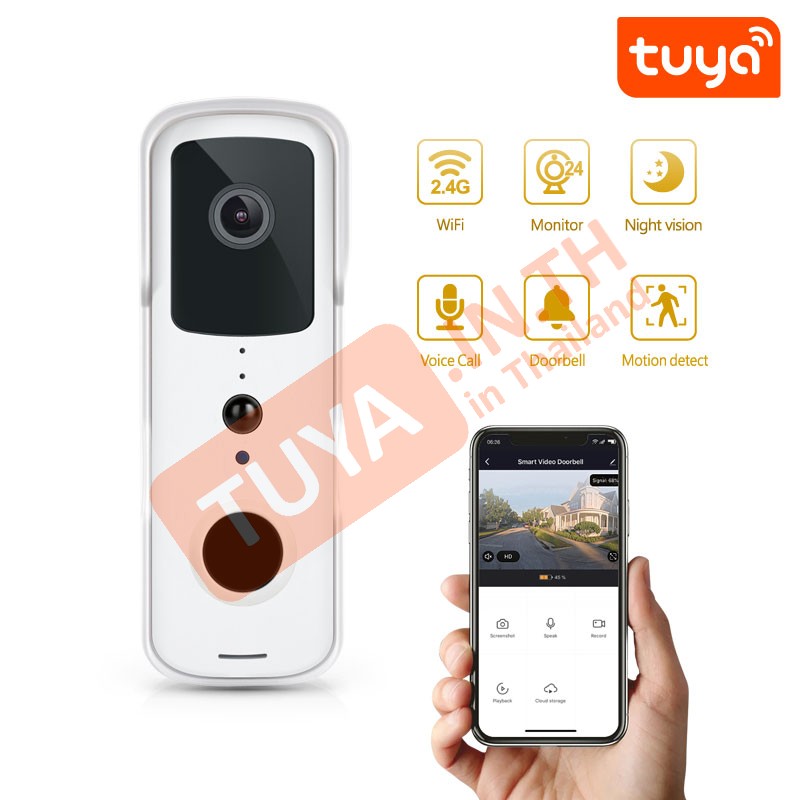
- ✓ Full HD Video: กล้องความละเอียดสูง 1080P พร้อมเลนส์มุมกว้าง 1.7 มม. ให้ภาพที่ครอบคลุมพื้นที่หน้าประตูอย่างชัดเจน
- ✓ Weatherproof IP66: มาตรฐานกันน้ำกันฝุ่นระดับ IP66 ทนทานต่อทุกสภาวะอากาศ ติดตั้งภายนอกอาคารได้มั่นใจ
- ✓ Two-Way Audio: สื่อสารโต้ตอบกับผู้ที่มาหาผ่านสมาร์ทโฟนได้ทันทีด้วยไมโครโฟนและลำโพงคุณภาพสูงในตัว
- ✓ PIR Motion Detection: ระบบตรวจจับความเคลื่อนไหวอัจฉริยะ แจ้งเตือนและบันทึกภาพทันทีเมื่อมีคนเข้ามาในพื้นที่
- ✓ Night Vision: มองเห็นชัดเจนในที่มืดสนิทด้วยระบบอินฟราเรด ระยะไกลสูงสุด 3-5 เมตร
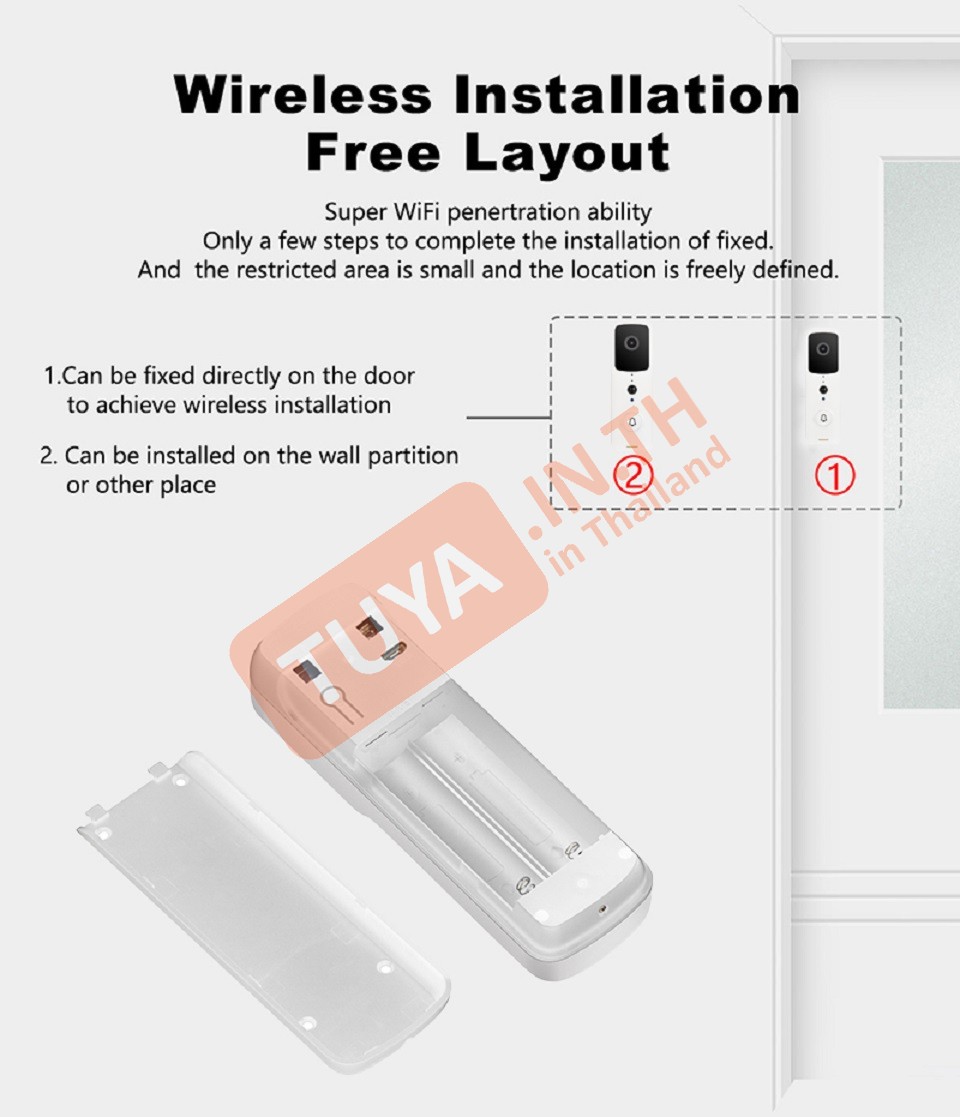
- ✓ Battery Operated: ใช้แบตเตอรี่ลิเธียมไอออน 18650 จำนวน 2 ก้อน ใช้งานได้ยาวนานสูงสุดถึง 6 เดือน (ขึ้นอยู่กับการใช้งาน)
ข้อมูลผลิตภัณฑ์ (Product Information)
- • เซนเซอร์กล้อง: 1/3 CMOS 2.0 Megapixel
- • การบีบอัดวิดีโอ: เทคโนโลยี H.264 ประหยัดพื้นที่จัดเก็บแต่ยังคงความคมชัด
- • การจัดเก็บข้อมูล: รองรับ Micro SD Card (TF Card) สูงสุด 64GB
- • การเชื่อมต่อ: Wi-Fi 2.4GHz IEEE 802.11 b/g/n (ไม่รองรับ 5G)
- • ขนาดสินค้า: 18 x 8.5 x 4.5 ซม. / น้ำหนักรวม 0.33 กก.
 |
|
| Model Number | DBCM06 (PST-T30) |
| Resolution | 1080P Full HD |
| Battery Type | 2 x 18650 Lithium Batteries |
| IP Rating | IP66 Waterproof |
| Night Vision | 3-5 Meters |
| App Support | Tuya Smart / Smart Life |
| Voice Control | Alexa / Google Home |
 |
|
| In the Box | DBCM06 Bell, Screws, Needle, User Manual |
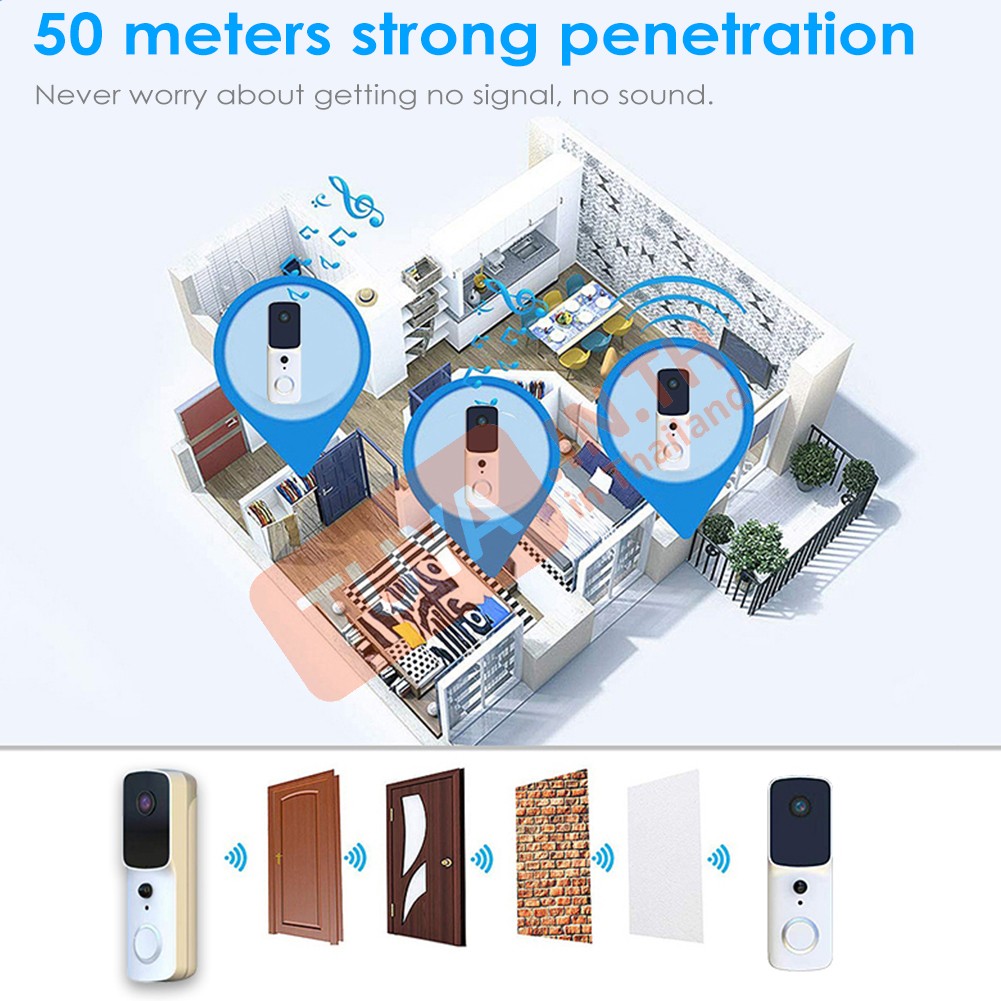
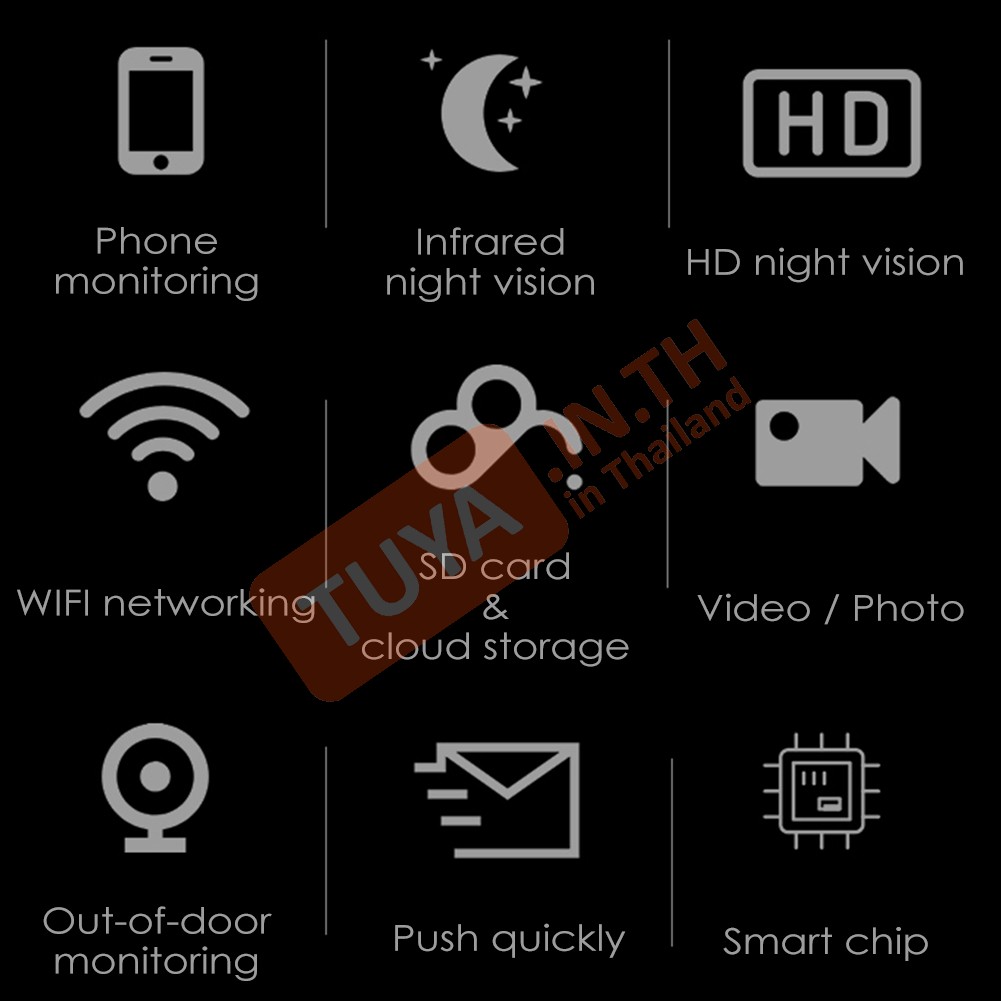
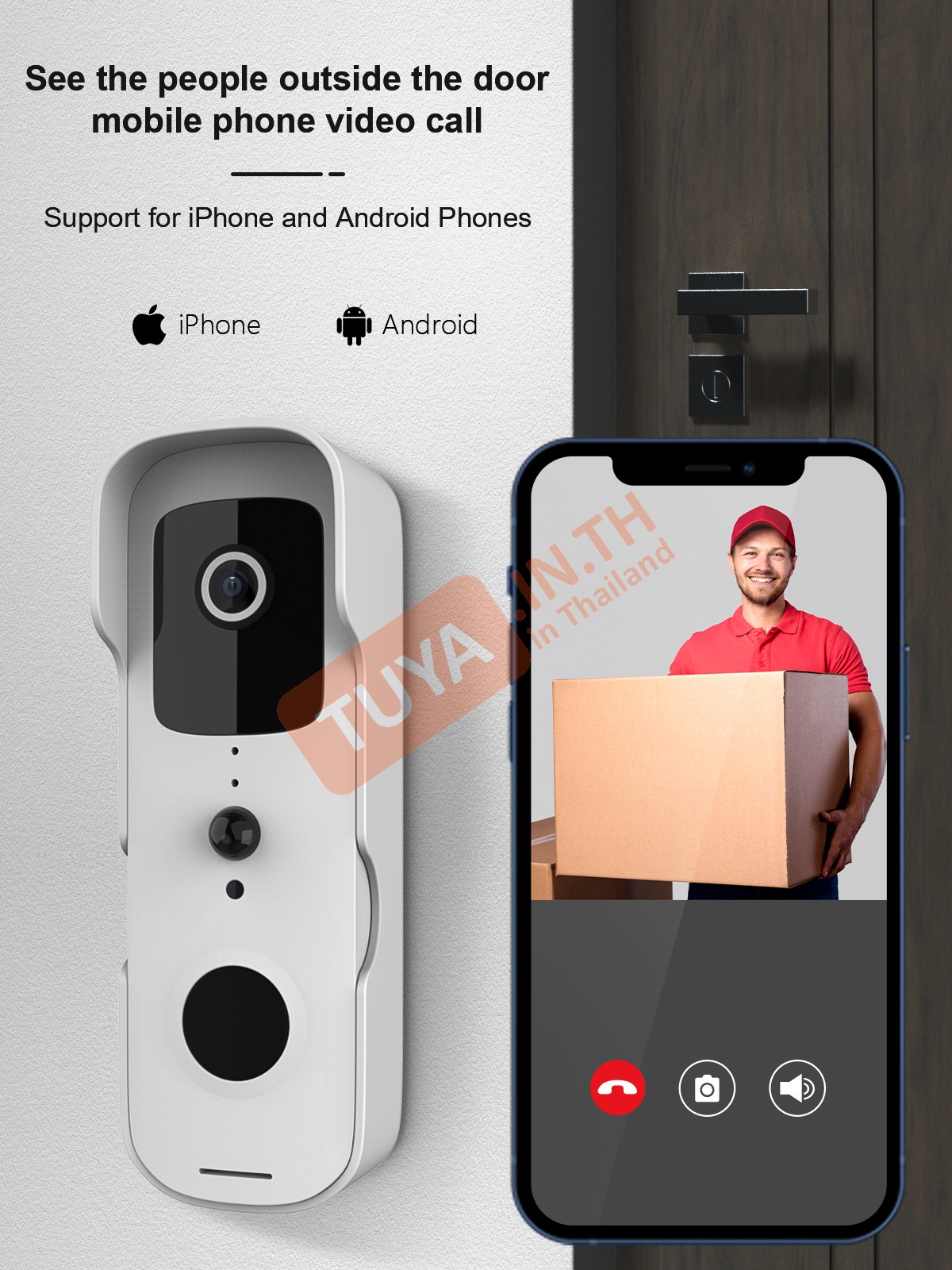
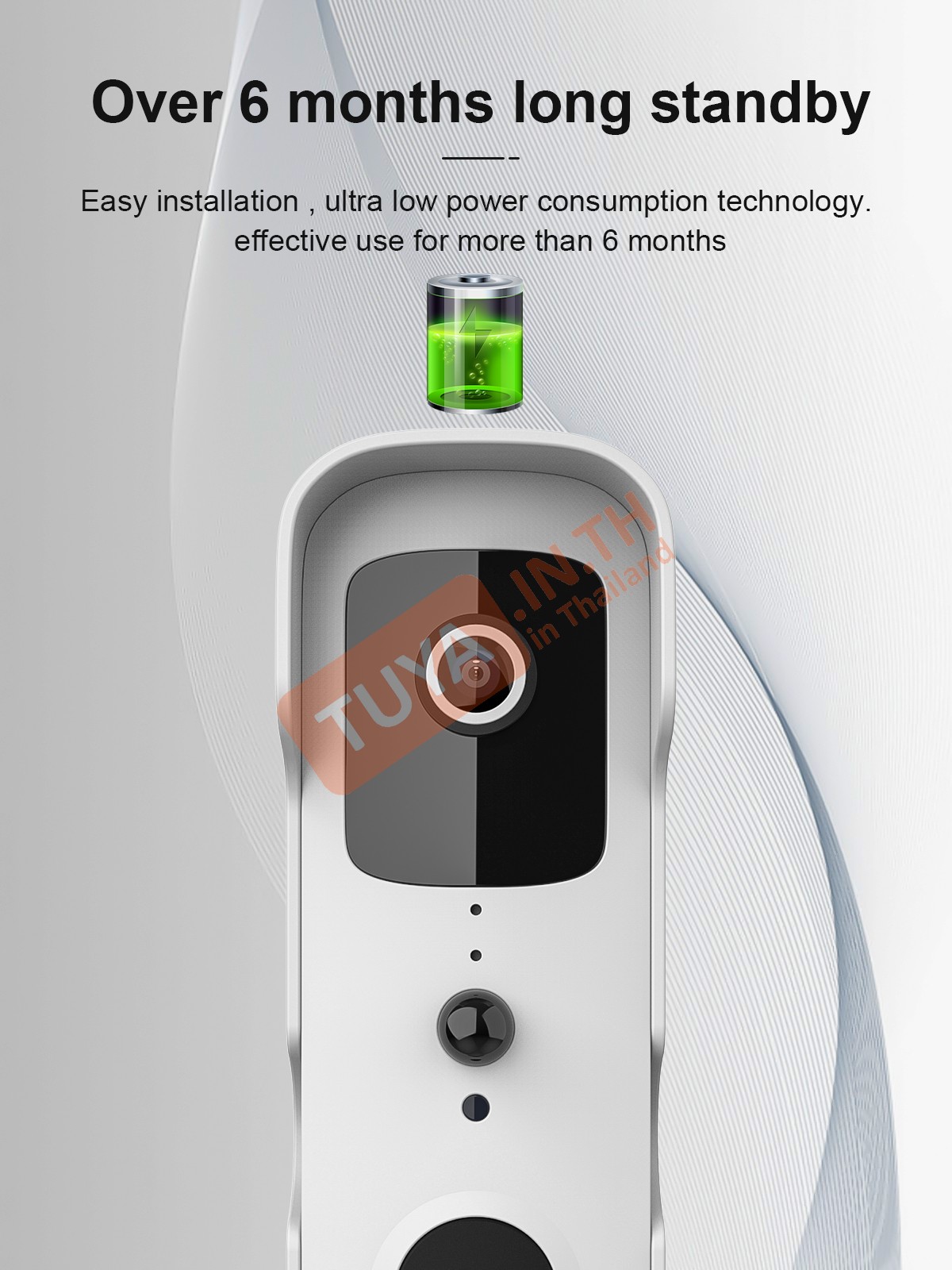
รองรับการเชื่อมต่อกับ


| ฟังก์ชั่นในหน้าหลัก (MAIN PAGE FUNCTION) | |
|---|---|
| Playback | |
| Gallery | |
| Theme Color | Light Mode / Dark Mode |
| Night Mode | Auto / On / Off |
| Device Volume | |
| PIR | Off / Low Sensitivity / Medium Sensitivity / High Sensitivity |
| Siren | |
| Edit | Add action.. |
| ฟังก์ชั่นการตั้งค่าในส่วน SETTINGS | ||
|---|---|---|
| Third Party Supported | Amazon echo | |
| Google Home | ||
| Private Mode | On / Off | |
| Basic Function Setting | Status indicator | |
| Flip Screen | ||
| Time Watermark | ||
| Talk Mode | One-Way Communication | |
| Two-Way Talk | ||
| IR Night Vision | Auto / On / Off | |
| Sounds | 1%-100% | |
| Working Mode | Power Saving / Continuous | |
| Detection Alarm Setting | Motion detection alarm | Human Body Filtering |
| PIR | Off / Low / Medium / High | |
| Power Management Setting | Set the low battery alarm threshold | |
หน้าแอพพลิเคชั่น
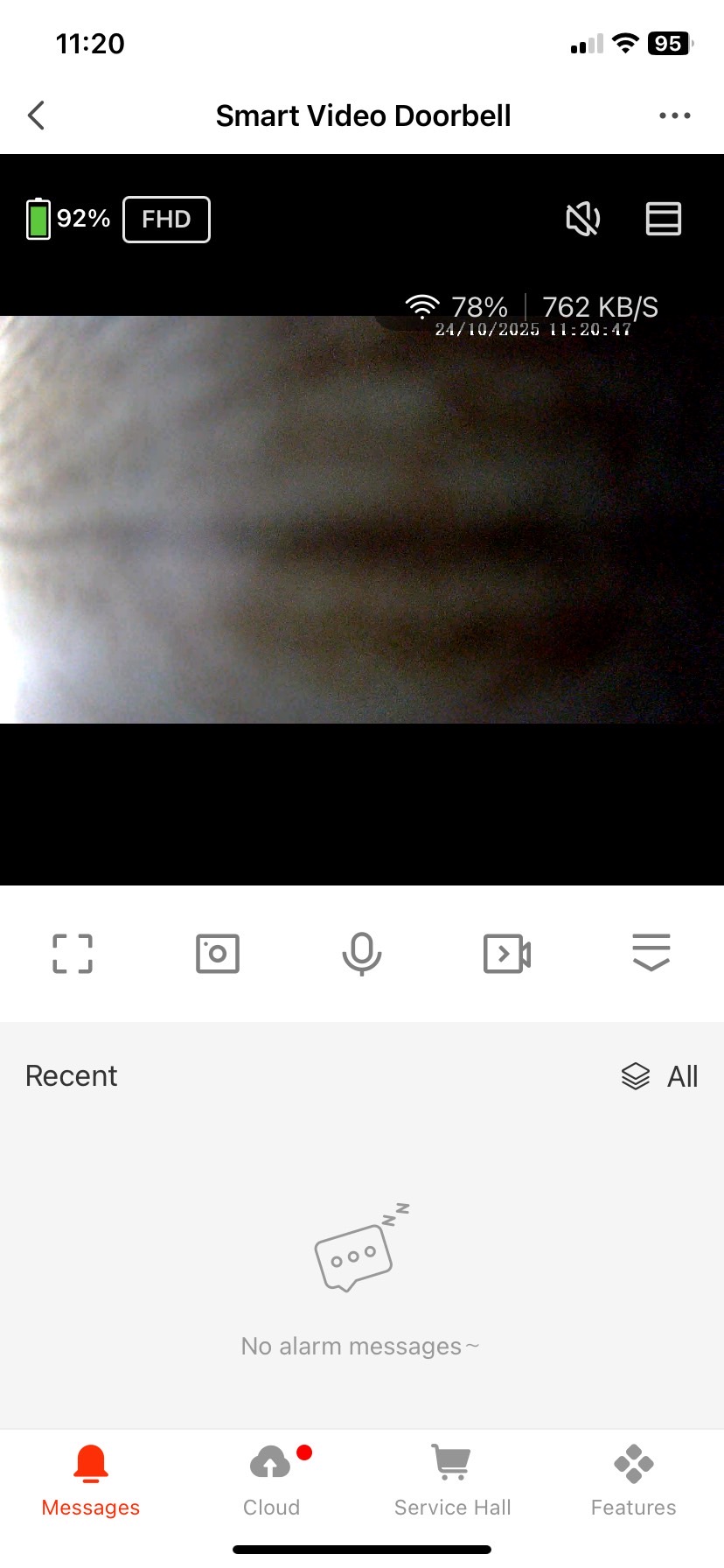 >
> 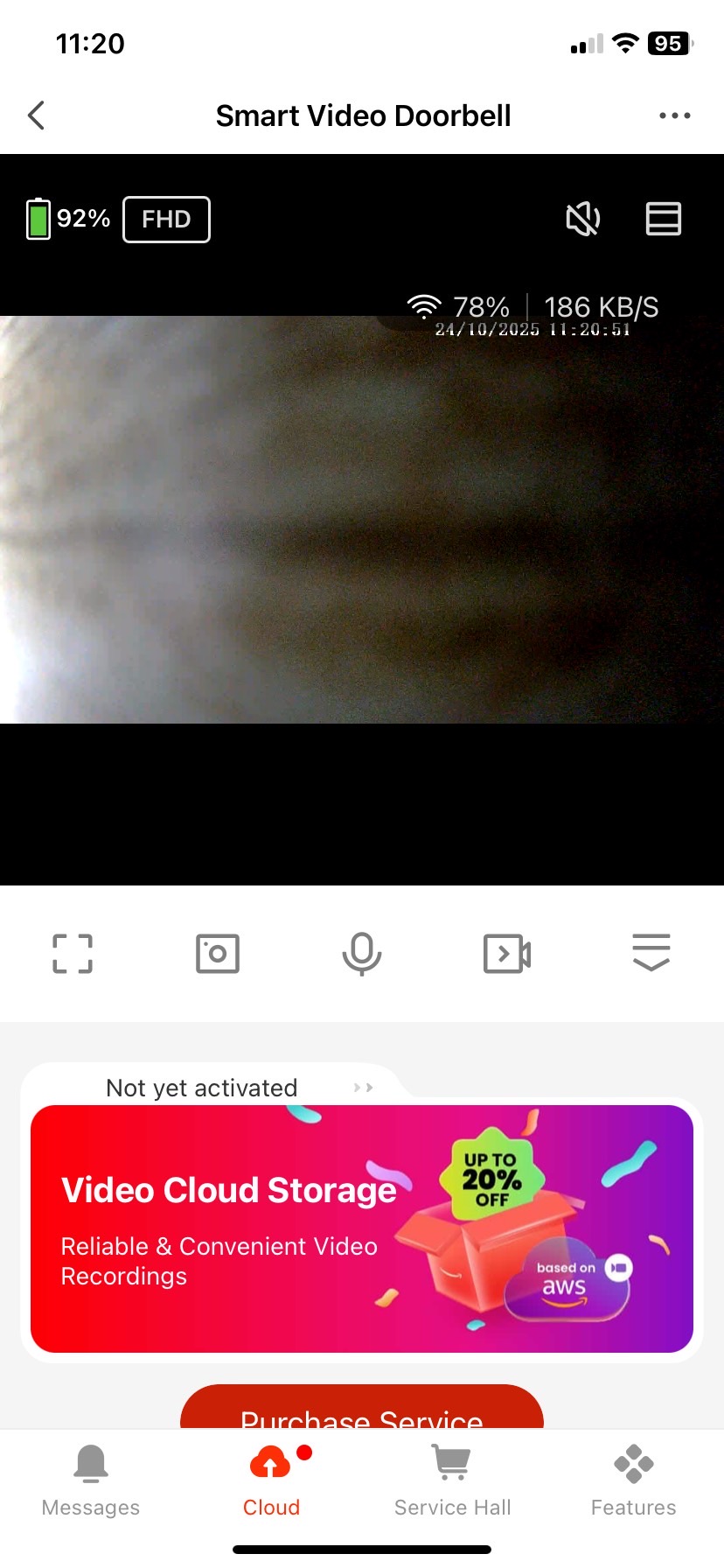 >
> 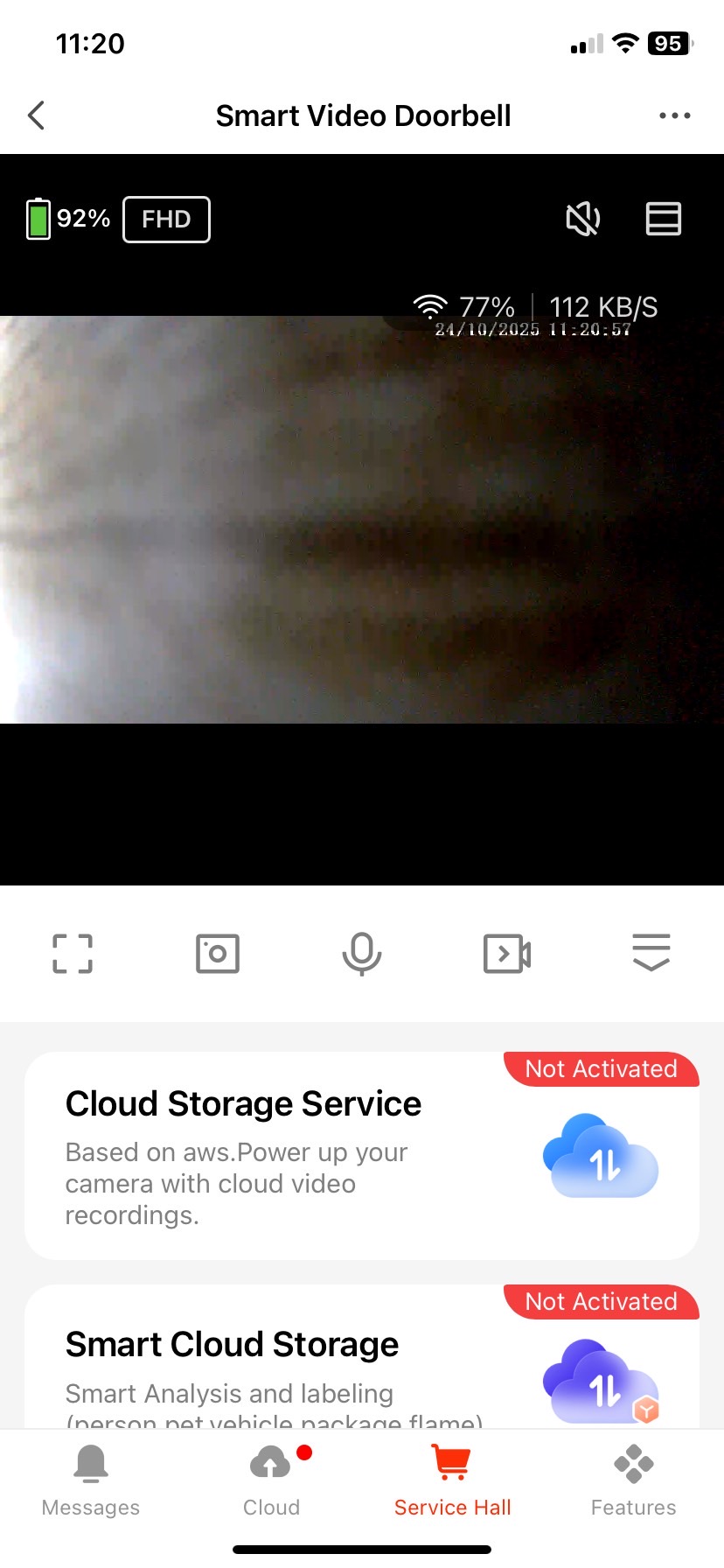 >
> 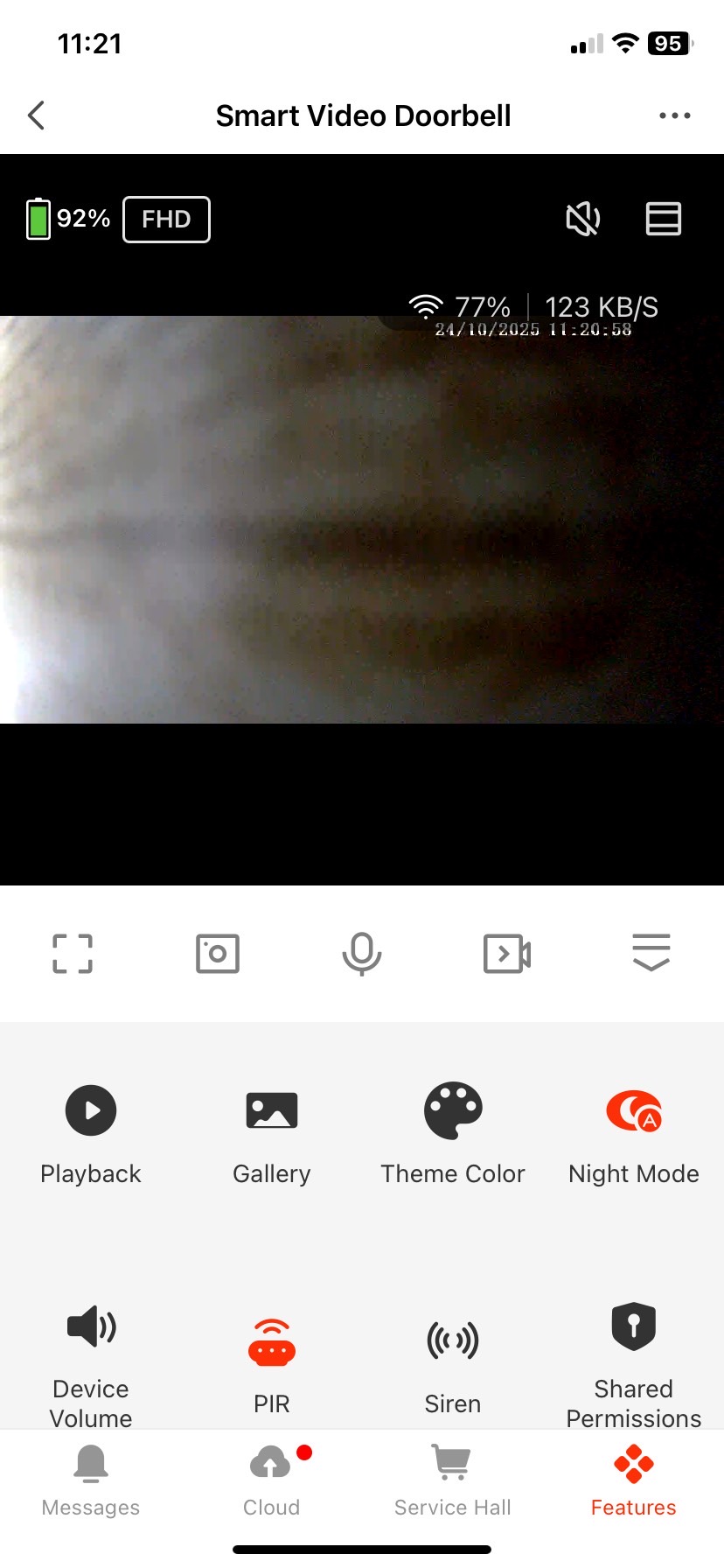 >
>
| IF | THEN | ||||
|---|---|---|---|---|---|
| Siren | On / off | ✓ | Ball pairing | 0-1 | Χ |
| Volume | 1%-100% | ✓ | Siren | On / off | ✓ |
| Human Detection | On / off | ✓ | Volume | 1%-100% | ✓ |
| Ball pairing | 0-1 | Χ | Human Detection | On / off | ✓ |
Sound
Step Reset เสียง : Reset
Step 1 เสียงก่อนตั้งค่า : Waitfor wifi config
Step 2 เสียงหลังจาก Scan QR เสร็จ : Connect rounter
Step 3 ต่อด้วยเสียง : Connect internet
Step 4 เชื่อมต่อเสร็จ เสียง : Add device success
สินค้าที่เกี่ยวข้อง
-16%
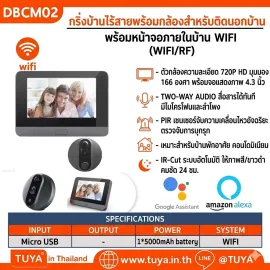
DBCM02 กริ่งบ้านไร้สายพร้อมกล้อง สำหรับติดนอกบ้าน พร้อมหน้าจอภายในบ้าน WIFI
3,401 บาท 4,049 บาท
-16%
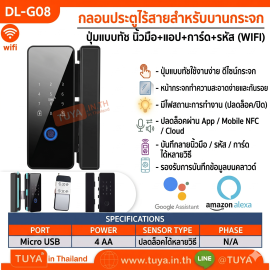
DL-G08 กลอนล็อคประตูกระจกอัฉริยะ ทัชสกีน รหัสผ่าน การ์ด รีโมท สัญญาณบลูทูธ AA*4
2,057 บาท 2,449 บาท
-16%
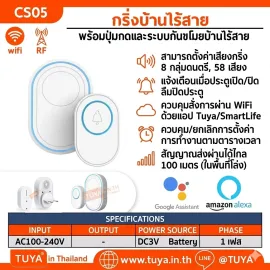
CS05 กริ่งบ้านไร้สายพร้อมปุ่มกดและระบบกันขโมยบ้านไร้สาย
797 บาท 949 บาท
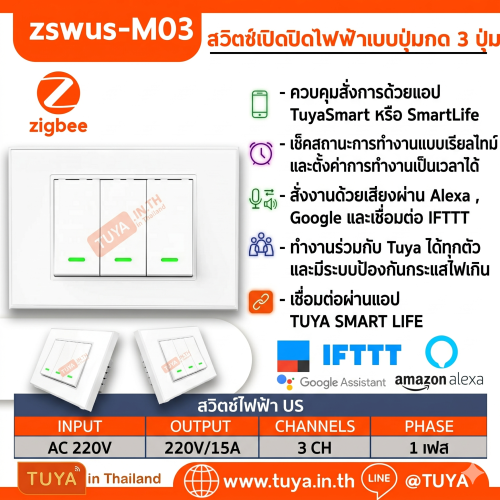
ZSWUS-M03 สวิตซ์เปิดปิดà..
1,478 บาท
1,759 บาท
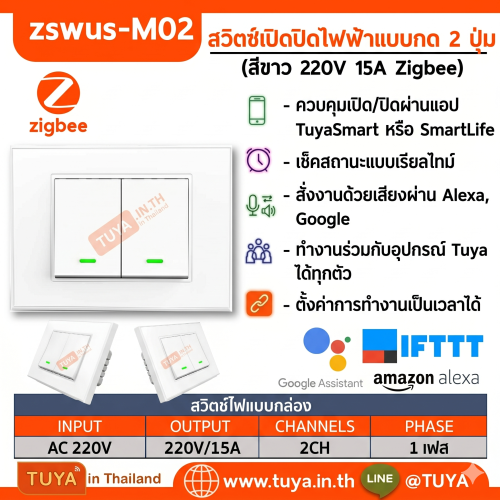
ZSWUS-M02 สวิตซ์เปิดปิดà..
1,394 บาท
1,659 บาท
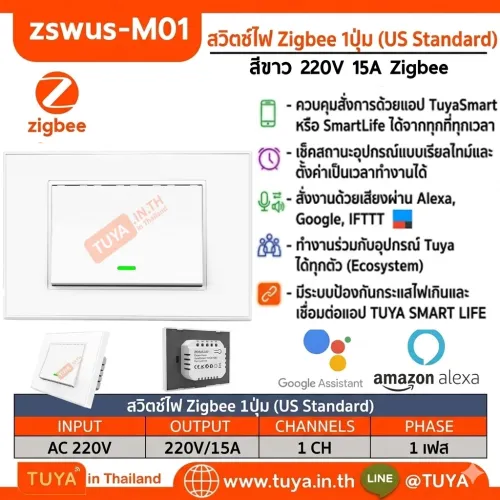
ZSWUS-M01 สวิตซ์เปิดปิดà..
1,310 บาท
1,559 บาท
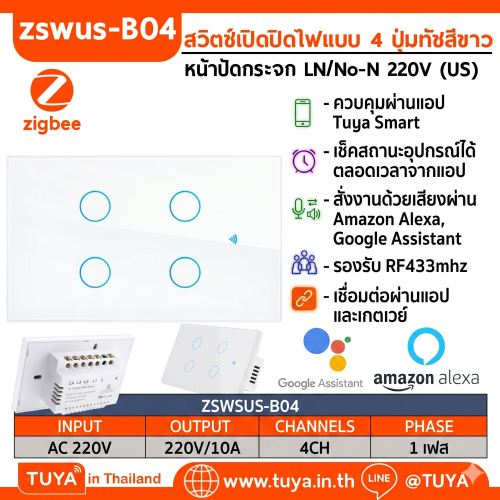
ZSWUS-B04 สวิตซ์ไฟฟ้าแบà..
1,259 บาท
1,499 บาท
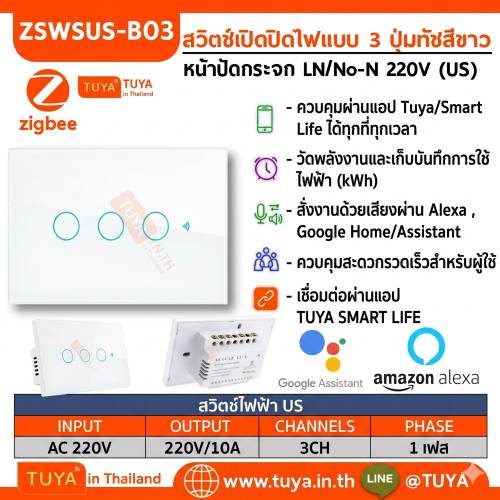
ZSWUS-B03 สวิตซ์ไฟฟ้าแบà..
1,091 บาท
1,299 บาท
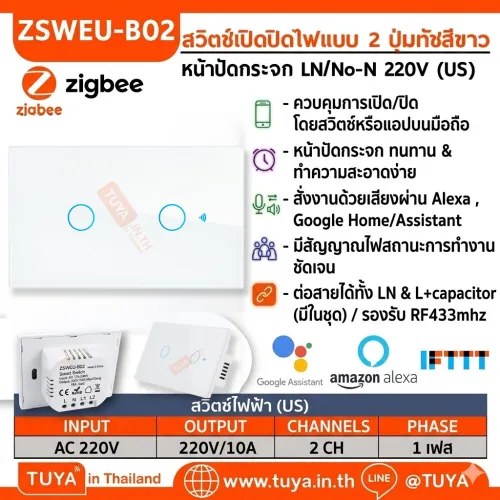
ZSWUS-B02 สวิตซ์ไฟฟ้าแบà..
1,007 บาท
1,199 บาท